How to create a circular border in Webflow
Here is how to create a circular border in webflow
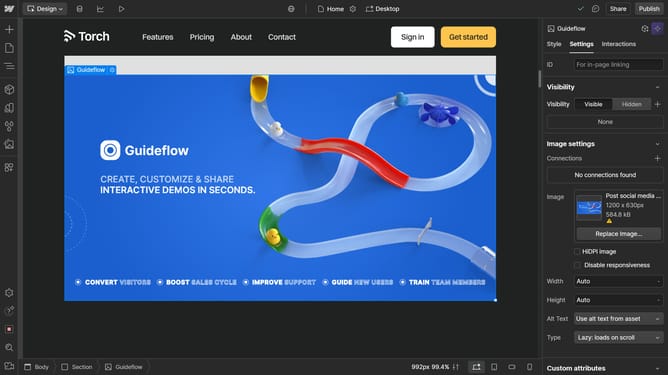
- First click on the element that has the same width and height
- Then click on the "Style" tab in the right sidebar
- Next click on the "Borders" section in the Style panel
- Then click on the unit selector in the Borders settings
- Next click on the "%" option from the units dropdown menu
- Finally set the border radius value to "50" using the number input field
Why should you create a circular border in Webflow
Webflow is a powerful web design tool that empowers creators to build visually stunning websites with ease.
The ability to create a circular border in Webflow enhances a website's aesthetic, drawing attention to specific elements and creating a cohesive design.
Using circular borders is an effective way to showcase images or icons, providing a modern and polished look.
This feature not only boosts visual appeal but also improves user engagement by creating a more inviting and professional interface.
Last update