How to test your custom fonts in Webflow
Here is how to test your custom fonts in webflow
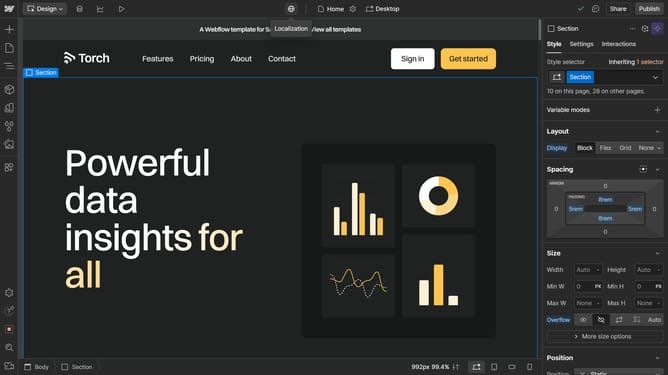
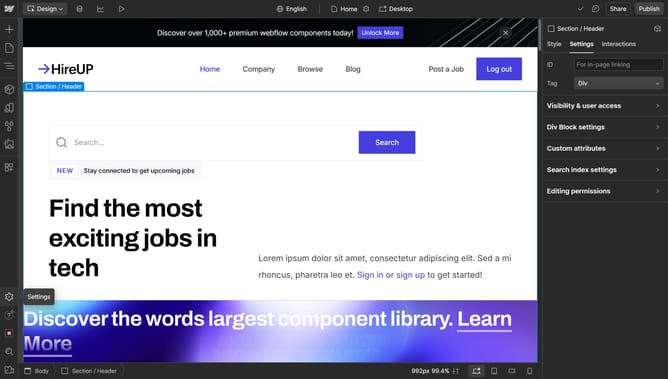
- First click on any element in your page
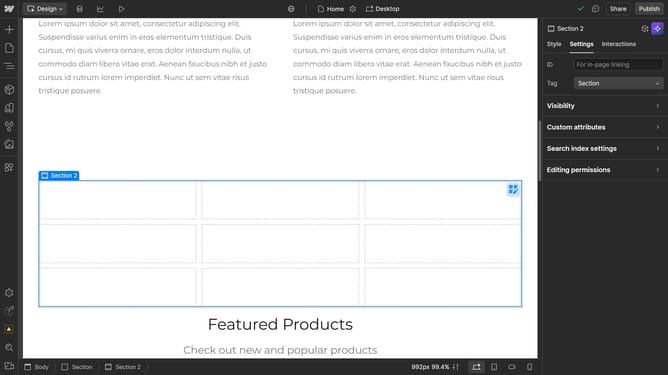
- Then click on the "Style" tab in the right sidebar settings panel
- Next click on the "Typography" section in the style panel
- Then click on the "Font" dropdown menu in the typography settings
- Finally click on the font under "Custom fonts"
Why should you test your custom fonts in Webflow
Webflow is a powerful platform that allows designers to create, host, and scale stunning websites visually, without any coding.
Testing your custom fonts in Webflow enables you to see firsthand how your chosen typography enhances your design's aesthetics.
This feature ensures that your fonts align perfectly with the overall theme and user experience you intend to deliver.
By previewing fonts within your design, you maintain consistency and branding integrity, elevating your website's professional appeal.
Last update