How to add icons in Webflow?
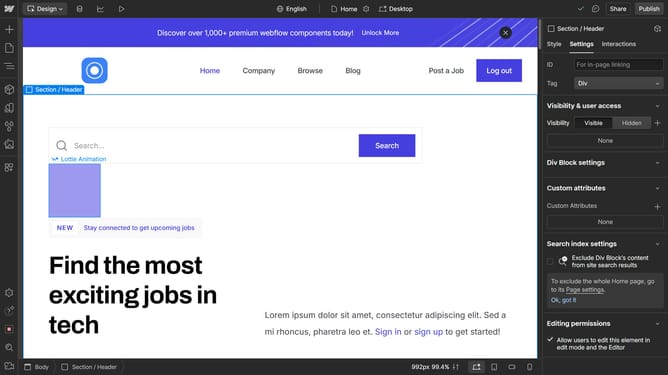
Here is how to add icons in webflow
- First, click on the three dots on the project where you want to add the icon
- Next click on "Settings" in the dropdown menu
- Then scroll down to the "Icons" section
- Next click upload and choose your favicon image
- A success notification will appear, showing "Project settings updated"
- Finally, click "Publish" to make the favicon live
Why should you add icons in Webflow?
Webflow is a versatile platform that empowers users to design and develop responsive websites visually.
Adding icons in Webflow is a seamless process that enhances the visual appeal of your website while maintaining a sophisticated design flow.
Using icons can greatly improve user experience by providing intuitive visual cues that guide visitors through your content.
Incorporating icons in Webflow projects heightens engagement, making important elements stand out without overwhelming your audience with text.
Last update