How to duplicate an animation in Webflow
Here is how to duplicate an animation in webflow
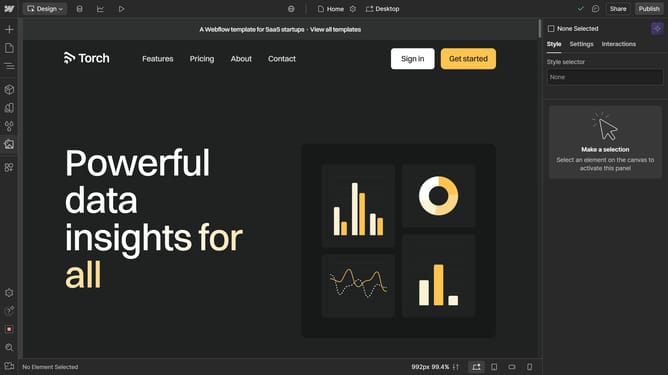
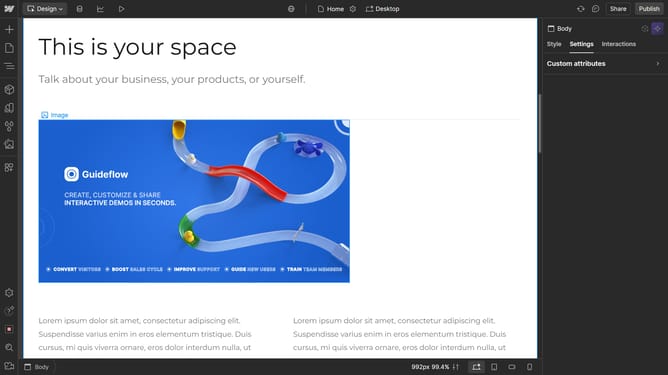
- First click on the Lottie Animation element in the main content area
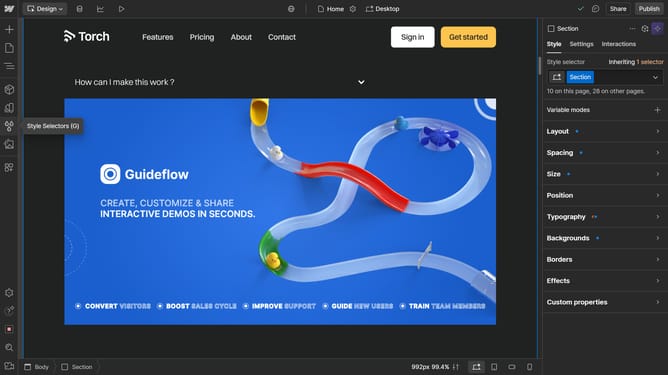
- Then click on the Navigator icon in the left sidebar
- Next right-click on the Lottie Animation item in the Navigator tree menu
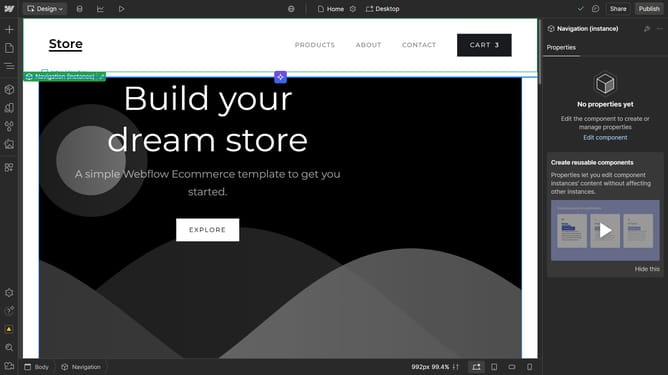
- Finally click on the Duplicate option in the right-click context menu
Why should you duplicate an animation in Webflow
Webflow empowers creators with an intuitive platform to design stunning websites without code.
Duplicating an animation in Webflow is a valuable feature for designers aiming to maintain consistency across multiple elements. This functionality allows users to easily replicate complex animations, saving time and ensuring a seamless design flow.
By using this feature, designers can enhance productivity and streamline their workflow. It ensures a cohesive visual experience throughout the site, maintaining the essence of brand identity.
Ultimately, this feature facilitates creative freedom while preserving design uniformity, making the web-building process more efficient and enjoyable.
Last update