How to create a flex parent in Webflow
Here is how to create a flex parent in webflow
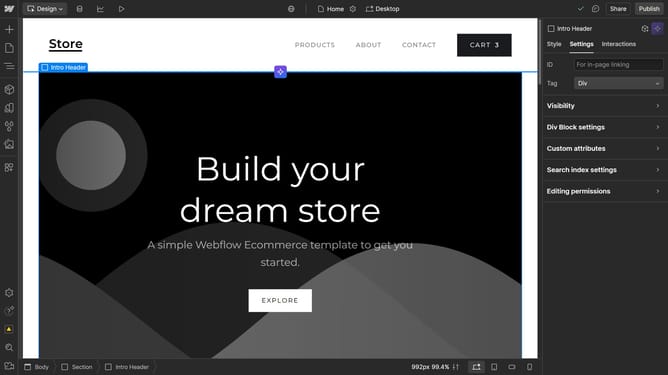
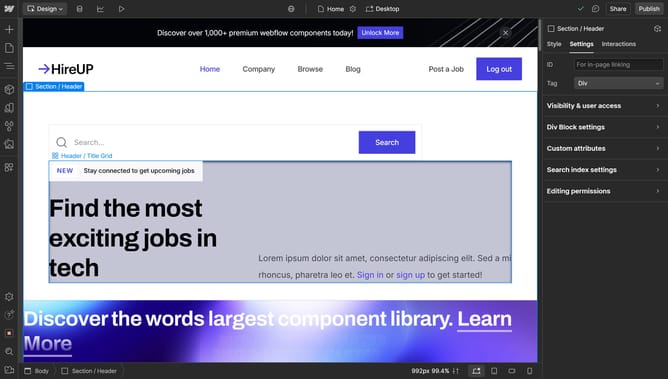
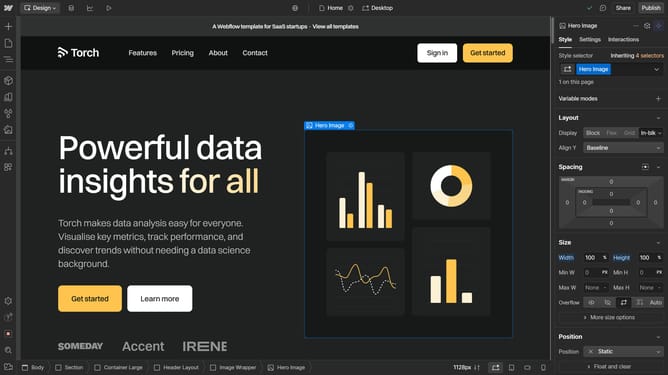
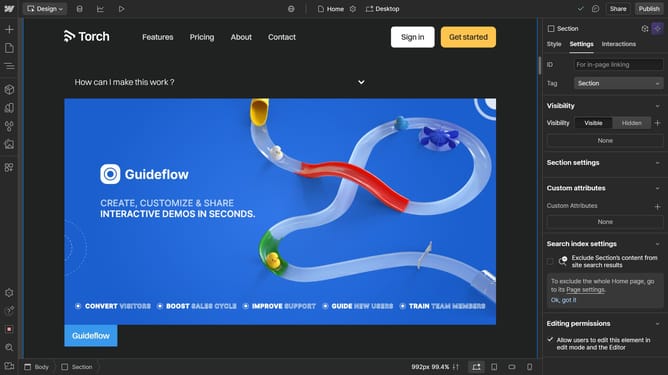
- First select any element that contains other elements
- Then click on the "Style" tab in the right sidebar
- Next click on the "Layout" option in the style settings panel
- Finally select "Flex" from the display options in the Layout settings
Why should you create a flex parent in Webflow
Webflow is a powerful platform that empowers designers to effortlessly build responsive websites without coding.
Creating a flex parent in Webflow transforms a standard container element, allowing for advanced layout options.
Utilizing flex in Webflow harmonizes content for various screen sizes, ensuring elements are aligned and distributed efficiently.
This feature not only enhances the aesthetic appeal but also significantly improves the user experience by providing a clean, organized interface.
Last update