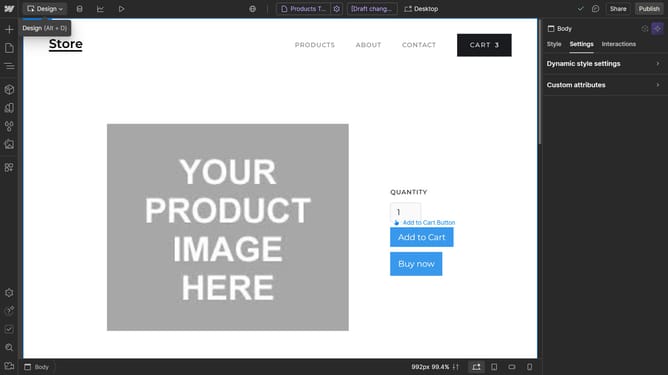
How to make an image an ellipse in Webflow
Here is how to make an image an ellipse in webflow
- First click on the image in the center of the workspace, make sure the height and width aren't the same
- Then click on the "Style" tab in the right sidebar
- Next click on the "Borders" option in the right sidebar menu
- Click on the "px" unit selector in the Borders settings
- Select the "%" unit from the dropdown menu
- Finally change the value to "50"
Why should you make an image an ellipse in Webflow
Webflow is a versatile platform that empowers developers and designers to craft professional websites without code.
One standout feature in Webflow is its ability to transform images into ellipses, offering a sleek and modern aesthetic to web designs.
Using elliptical images can significantly enhance the visual appeal of a site, adding sophistication and a dynamic touch.
This feature enriches user experience by providing a unique design element that sets your website apart from standard layouts.
Last update