How to set Add to Cart as "Error" in Webflow
Here is how to set add to cart as "error" in webflow
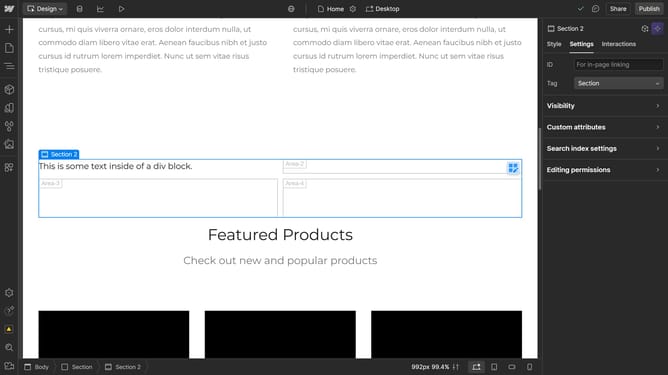
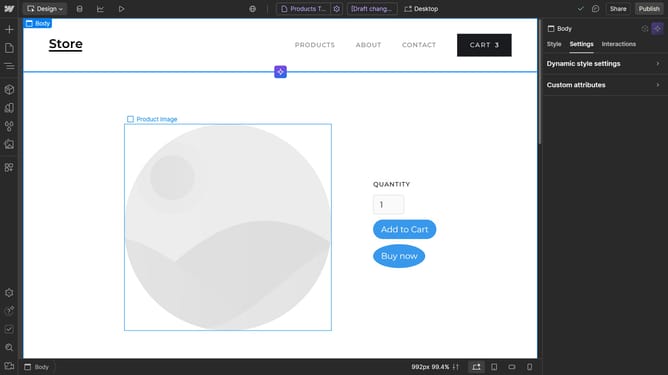
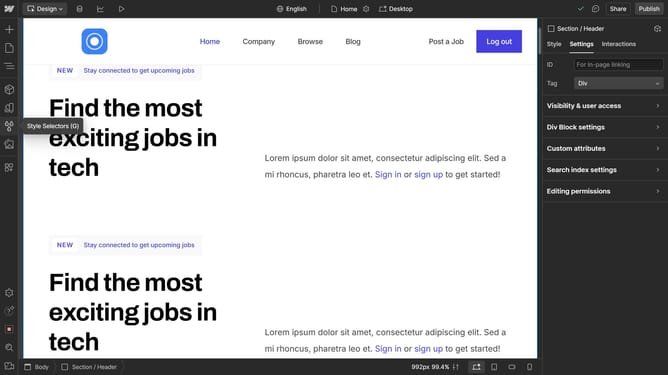
- First click on the "Add to Cart" element located in the product details
- Then click on "Add to Cart settings" option in the right sidebar settings panel
- Finally click on the "Error" state option under the Add to Cart settings dropdown menu
Why should you set Add to Cart as "Error" in Webflow
Webflow is an intuitive web design tool that allows users to build responsive websites without coding.
The feature to set "Add to Cart" as "Error" in Webflow can be a useful tool for managing inventory effectively. When items are out of stock or unavailable, showing an error prevents customers from proceeding, which helps maintain a seamless shopping experience.
Utilizing this feature creates transparency, ensuring customer expectations are met while reducing potential order management issues. This keeps both customers and business operations running smoothly.
Last update