How to duplicate content in a Webflow grid
Here is how to duplicate content in a webflow grid
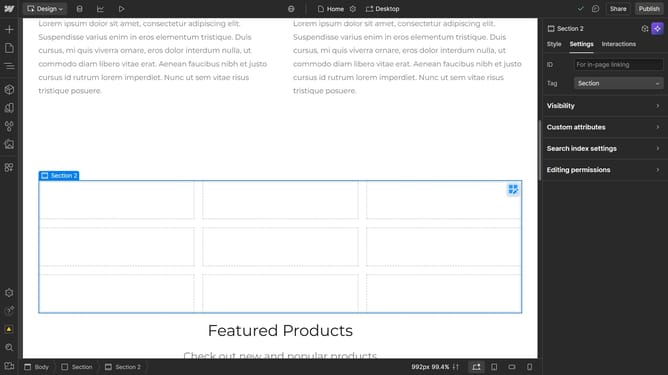
- First click the element with the grid layout to start editing
- Then click and hold the content while pressing "Option" on Mac or "Alt" on Windows
- Finally drag and drop the content into a new grid cell to duplicate it
Why should you duplicate content in a Webflow grid
Webflow is an intuitive platform that empowers users to design, build, and launch responsive websites with ease.
Duplicating content within a Webflow grid offers a seamless way to replicate design elements without starting from scratch.
This feature is particularly beneficial for maintaining consistency across your website, ensuring that design components align perfectly every time they’re used.
Ultimately, duplicating content in a grid not only streamlines your workflow but also enhances productivity and fosters a more organized design process.
Last update