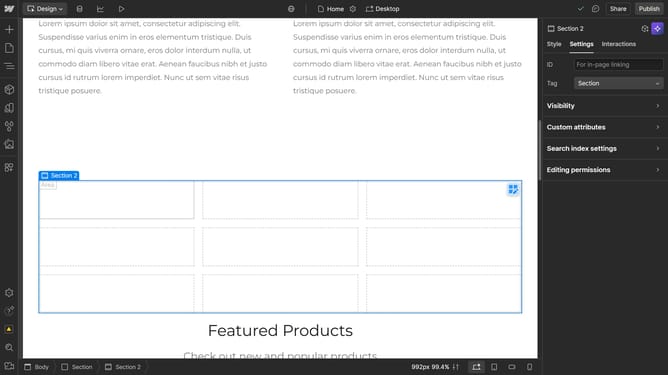
How to use rgba to choose a background color in Webflow
Here is how to use rgba to choose a background color in webflow
- First click the element you want to edit
- Then click on the "Style" tab in the right sidebar
- Next click on the "Backgrounds" section in the right sidebar settings panel
- Click on the "Color" picker button in the Backgrounds section
- Next click the "HSB" button to switch to "RGB"
- Finally enter your desired color values in the field
Why should you use rgba to choose a background color in Webflow
Webflow is a powerful design platform that allows you to seamlessly create professional websites without needing to code.
Enhancing your design's visual appeal is simple with rgba, a feature in Webflow that helps you choose precise background colors.
Utilizing the rgba color model adds an extra layer of flexibility by allowing you to control opacity, creating dynamic and eye-catching designs efficiently.
This not only enriches the user experience but also provides you a creative edge, helping your website stand out with its unique visual aesthetic.
Last update