How to set line breaks in Webflow
Here is how to set line breaks in webflow
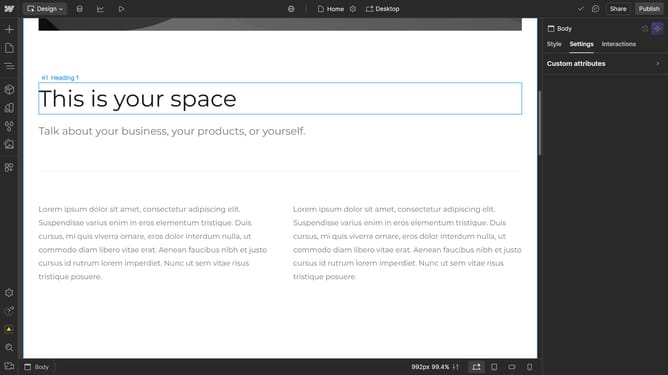
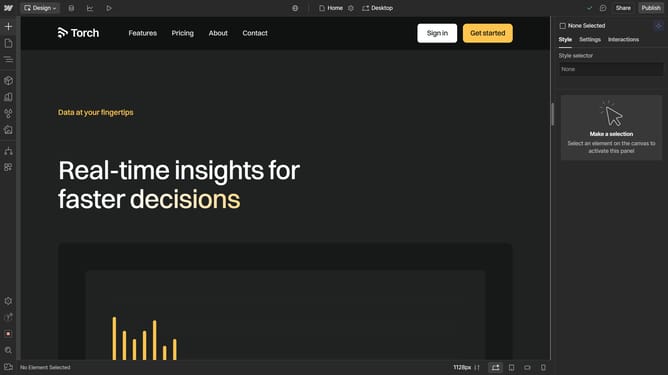
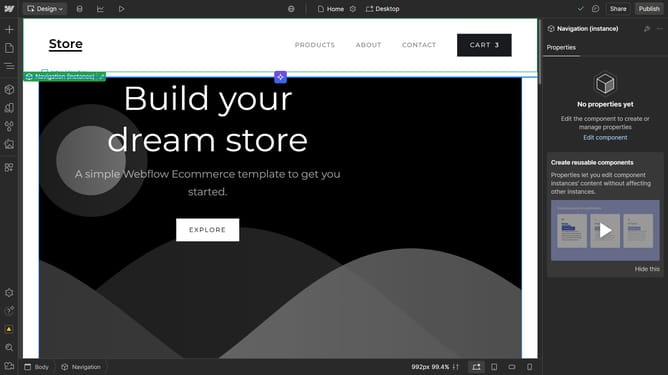
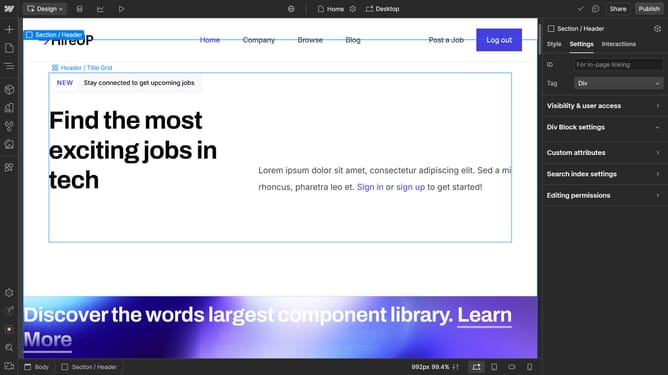
- First click the text element you want to edit
- Then click on the "Style" tab in the right sidebar settings panel
- Next click on the "Typography" section in the style settings
- Then click on the "More type options" button in the typography settings
- Next click on the dropdown under the Line section
- Finally select "Break spaces" option from the dropdown menu
Why should you set line breaks in Webflow
Webflow is an innovative platform for building visually stunning websites with ease and flexibility.
Setting line breaks in Webflow is a simple yet essential feature that enhances readability and design fluidity. By allowing precise text arrangement, it aids in maintaining a clean layout without disrupting the overall aesthetic.
Implementing line breaks optimizes readability, ensuring visitors easily absorb content, while also providing designers the freedom to craft tailored visual narratives. This attention to detail in text formatting ultimately contributes to a more engaging and polished user experience.
Last update