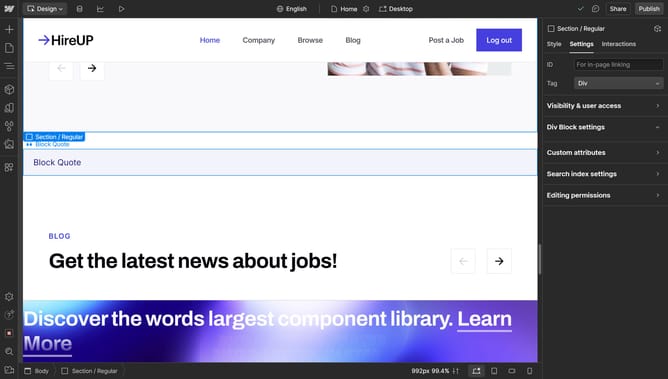
How to create a button in Webflow
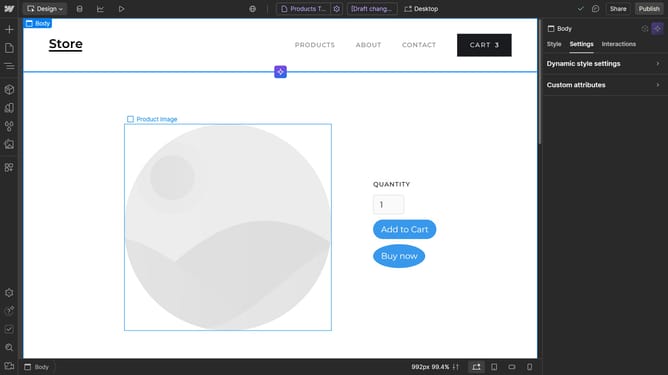
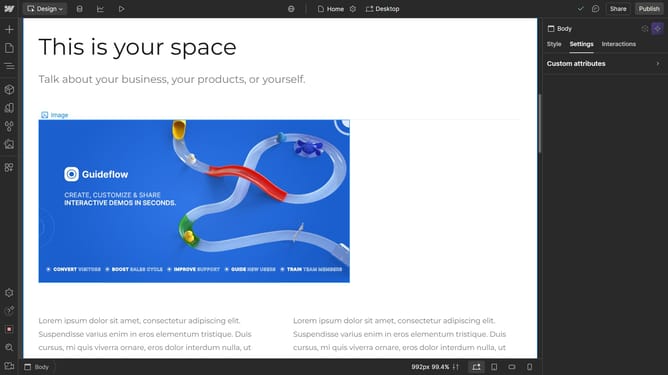
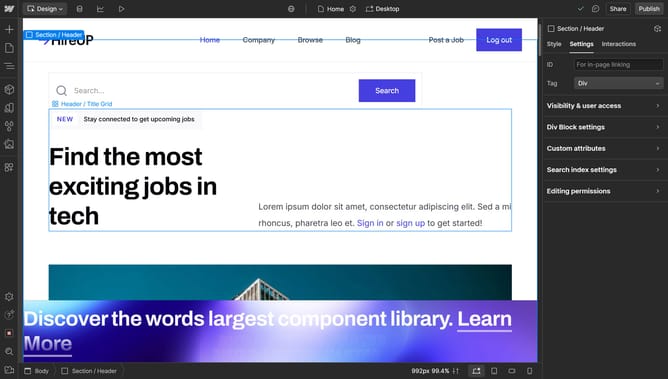
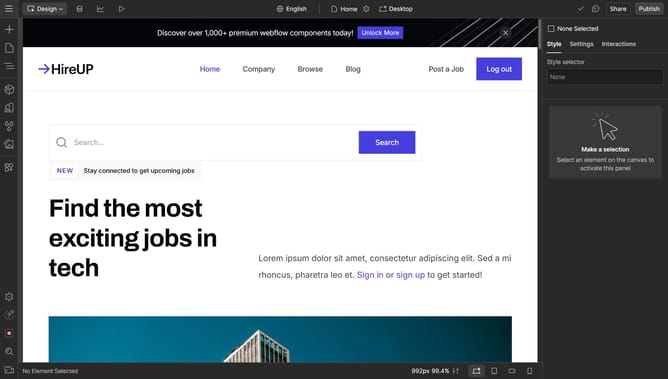
Here is how to create a button in webflow
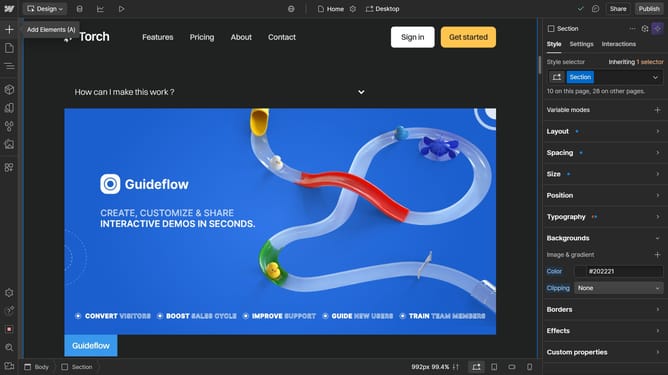
- First click on the "Add Elements" button in the left sidebar
- Then click on the "Button" option under the Basic section in the left sidebar
- Next choose a purpose for your button, we will go with "Link"
- Then paste your link in the URL text field
- Finally double click the text of your button to edit it
Why should you create a button in Webflow
Webflow is a powerful web design tool that empowers creators to build professional websites visually.
Creating a button in Webflow is a simple yet essential feature that enhances user interaction and directs traffic efficiently within the site.
By customizing buttons, you can align them perfectly with your website's theme, ensuring a seamless user experience.
These buttons play a crucial role in boosting engagement and driving your desired actions, making Webflow an ideal choice for intuitive web design.
Last update