How to add a code block in Webflow
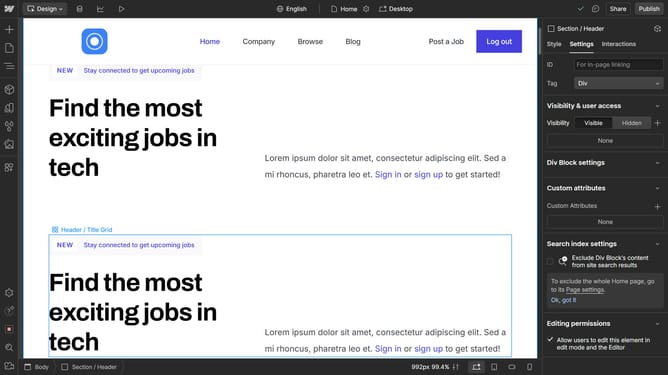
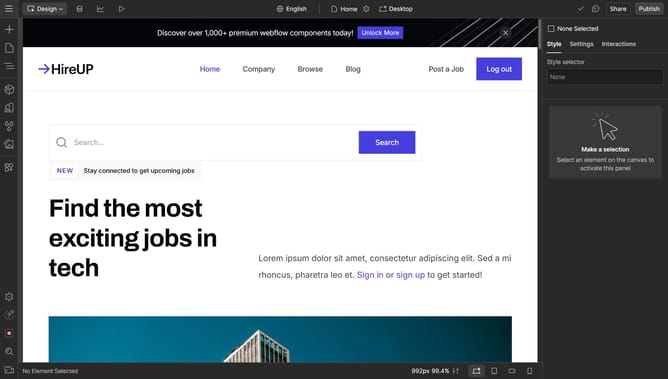
Here is how to add a code block in webflow
- First click on the "Add Elements" button in the left sidebar
- Then click on the "Search elements" input field in the Elements panel
- Next type "code" in the search field to filter elements
- Then click on the "Code Block" option from the filtered results
- Click in the code editor area to begin typing your code
- Finally click the "Save & Close" button in the Code Block Editor modal
Why should you add a code block in Webflow
Webflow is a powerful tool designed to help creatives build visually stunning websites without writing a single line of code.
One of Webflow's standout features is the ability to add a code block, offering users the flexibility to incorporate custom code seamlessly.
This feature is particularly beneficial for those who want greater control over their website's functionality or wish to incorporate third-party integrations.
By using code blocks, Webflow combines intuitive design with customizable options, enhancing both creativity and functionality.
Last update