How to customize the cursor for a Lightbox link in Webflow
Here is how to customize the cursor for a lightbox link in webflow
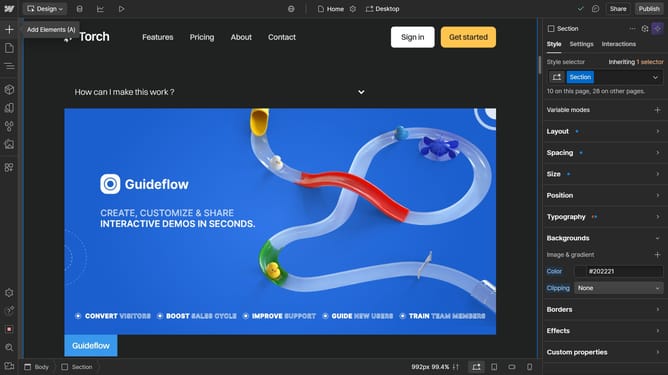
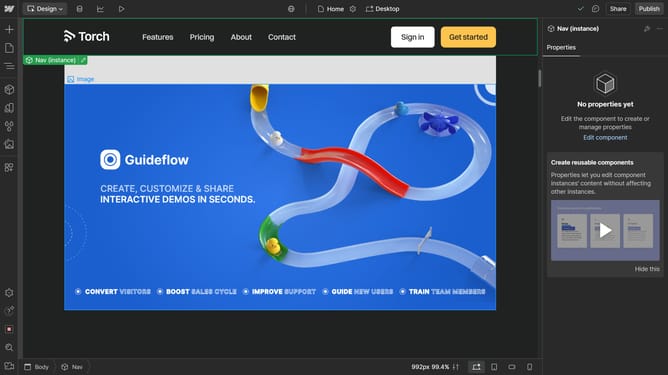
- First click inside the Lightbox Link element
- Then click on the "Style" tab in the right sidebar settings panel
- Next click on the "Effects" section in the right sidebar settings panel
- Then click the Cursor dropdown menu in the Effects section
- Finally choose an option from the Cursor settings dropdown menu
Why should you customize the cursor for a Lightbox link in Webflow
Webflow empowers creators to build visually stunning websites with ease and flexibility.
Customizing the cursor for a Lightbox link in Webflow enhances user interaction by offering a unique visual cue. This subtle customization can immediately draw attention, guiding visitors toward engaging content.
Applying such personal touches helps in creating a cohesive brand experience that stands out, ensuring visitors remember the interaction and keep coming back.
Last update