How to underline text in Webflow
Here is how to underline text in webflow
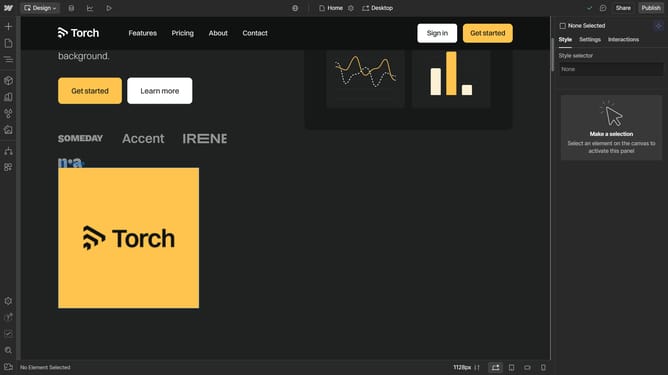
- First click on the text block in the main content area
- Then click on the "Style" tab in the right sidebar panel
- Next click on the "Typography" section in the style settings panel
- Finally click on the "Underline" button in the typography formatting options
Why should you underline text in Webflow
Webflow is a powerful tool for designing stunning and responsive websites without needing to write code.
The ability to underline text in Webflow adds a layer of emphasis to important elements, drawing your audience's attention to key points effortlessly.
Using the underline feature can enhance user engagement by making your content more visually appealing and easier to navigate. This simple styling option plays a crucial role in guiding your visitors to interact with your site effectively.
Last update