How to move elements in Webflow?
Here is how to move elements in webflow
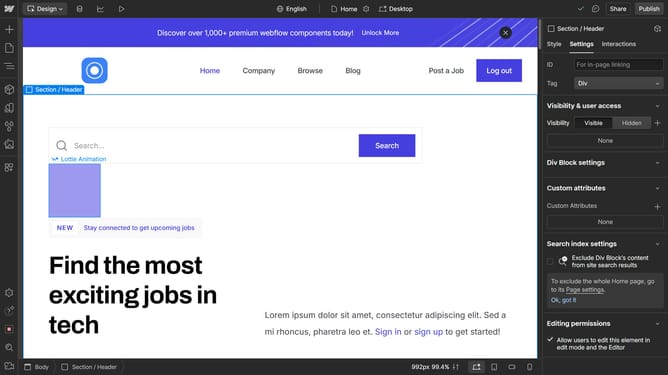
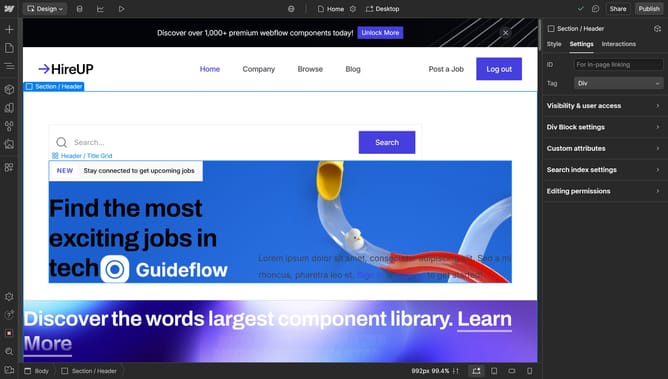
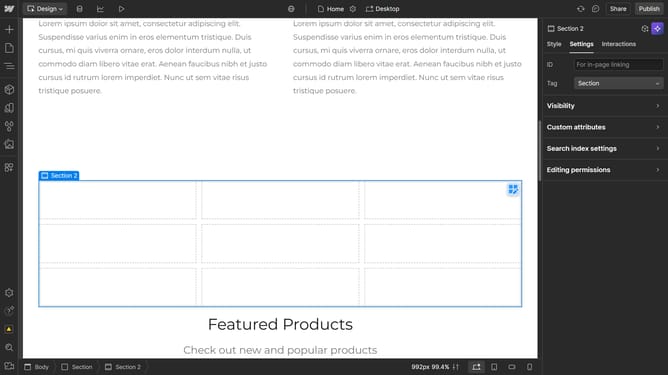
- 1- First, click on the element you want to move
2- Click and hold the selected element, then drag it to its new position
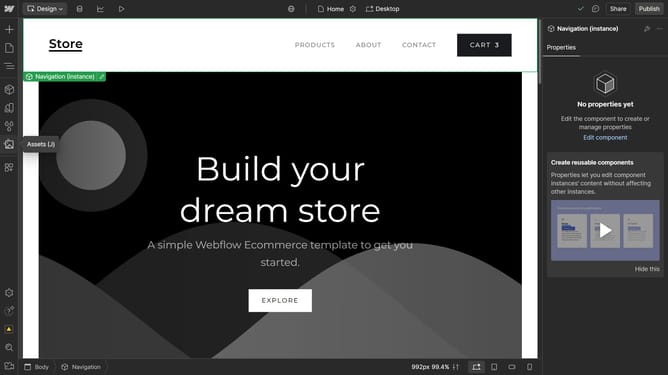
3- Alternatively, you can use the Navigator panel to move elements
4- Find your element in the "Navigator", click and hold it
5- Then drag it to the desired position within the hierarchy
6- You can see that the element has moved to the position where you placed it in the "Navigator"
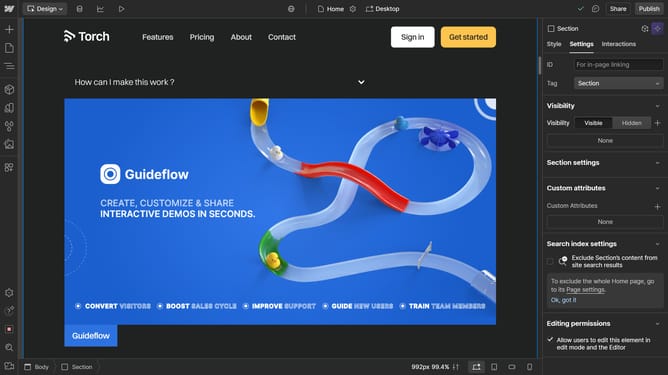
7- And for more precise placement, you may need to adjust the positioning settings in the "Style" panel
Why should you move elements in Webflow?
Webflow is a powerful platform that allows designers to build professional websites without code.
Moving elements in Webflow is intuitive, providing a smooth and flexible design process. With its user-friendly interface, designers can effortlessly rearrange components, boosting creativity and efficiency.
This feature promotes rapid design prototyping and pixel-perfect precision, empowering creators to make inspired, innovative layouts with utmost ease.
Last update