How to upload an image in Webflow
Here is how to upload an image in webflow
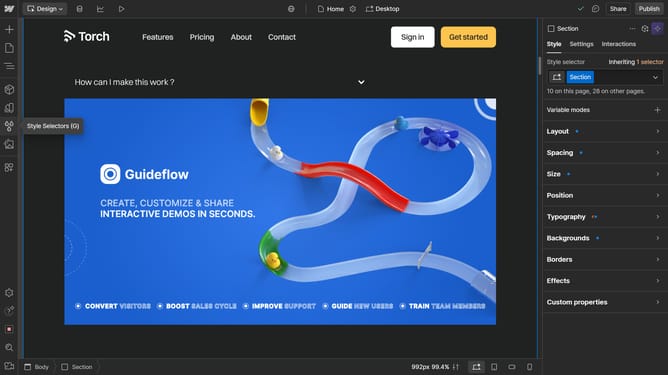
- In the left sidebar, click on the "Assets" icon to open the assets panel
- In the top section of the assets panel, click on the "Cloud" icon to upload your image
Why should you upload an image in Webflow
Webflow is a powerful tool that enables users to design visually stunning and responsive websites without needing to write code.
Uploading images in Webflow is seamless, making it easy to enhance your site's visual appeal. With just a few clicks, images can be effortlessly integrated, maintaining the creative flow without technical interruptions.
This feature not only speeds up the design process but also ensures that your images are optimized for web use, contributing to faster loading times and improved user experiences.
Embrace the ease of creatively showcasing engaging visuals that keep your site's aesthetic and functionality at its best.
Last update