How to share Webflow project?
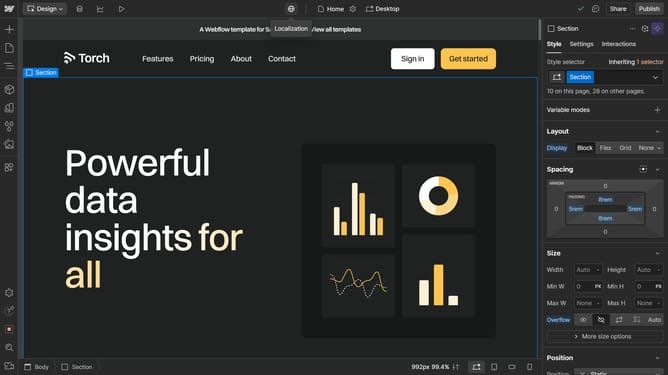
Here is how to share webflow project
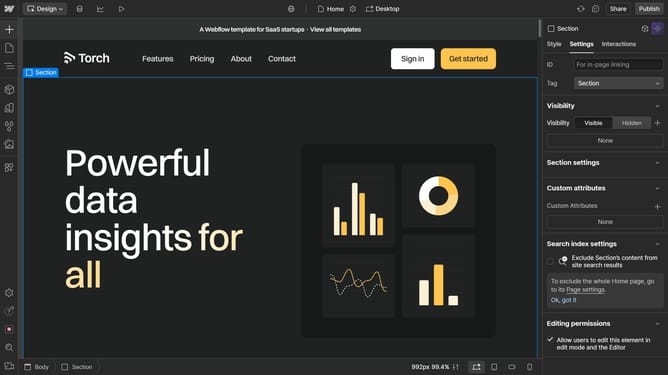
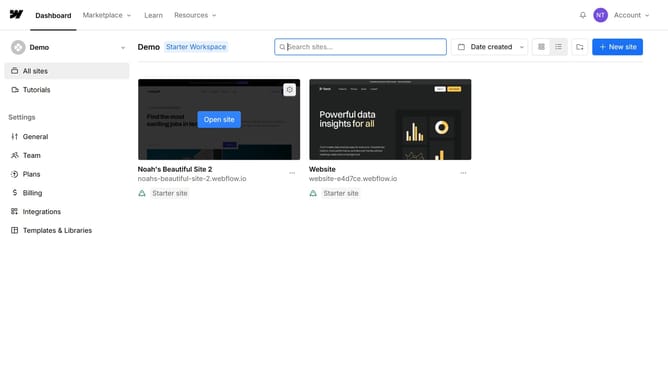
- First go to the project you want to share
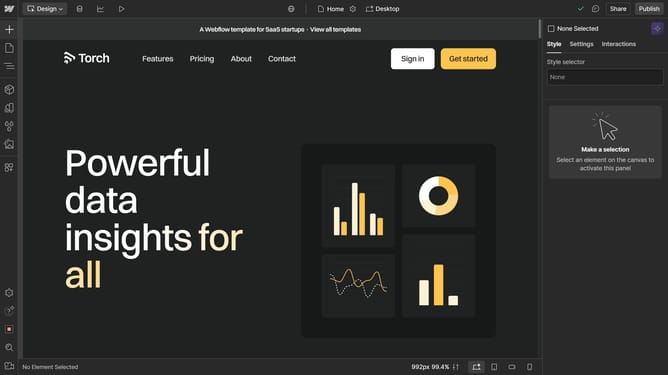
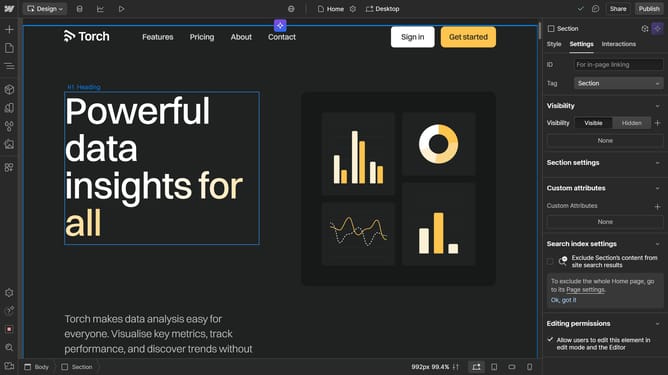
- Then click the "Share icon" in the top-right corner
- A popup will appear with sharing options
- Next toggle on Share Read-Only Link, and then click "Copy Link" to copy the link, and share it
- To stop sharing, toggle off Share Read-Only Link
Why should you share Webflow project?
Webflow is a powerful platform designed for designing, building, and launching visually stunning websites without coding.
Sharing a Webflow project effortlessly streamlines collaboration among teams and clients, enhancing productivity and communication.
This feature allows seamless viewing and feedback directly in the design environment, ensuring everyone involved stays informed and aligned.
Ultimately, sharing a project promotes efficient workflow by enabling stakeholders to engage and provide input in real-time, saving time and resources.
Last update