How to change the language of a code block in Webflow
Here is how to change the language of a code block in webflow
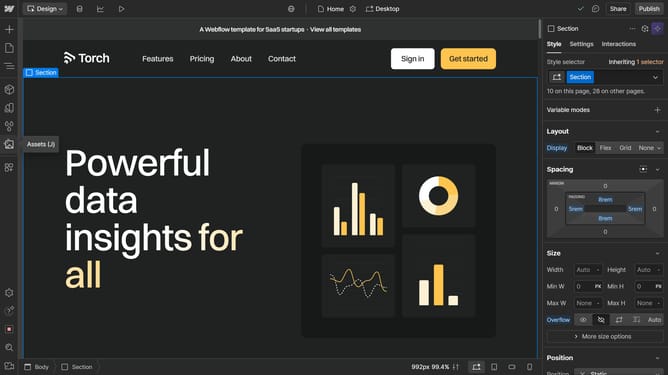
- First click on the code block
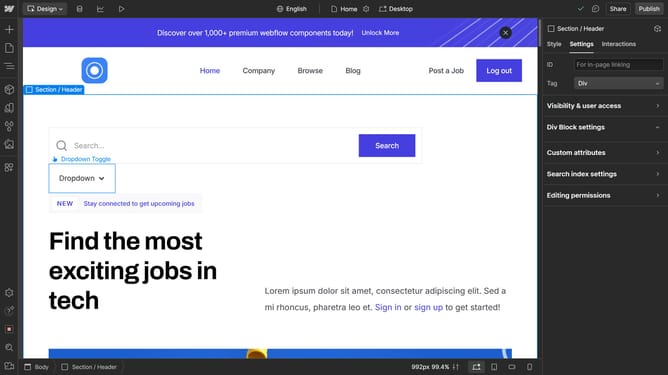
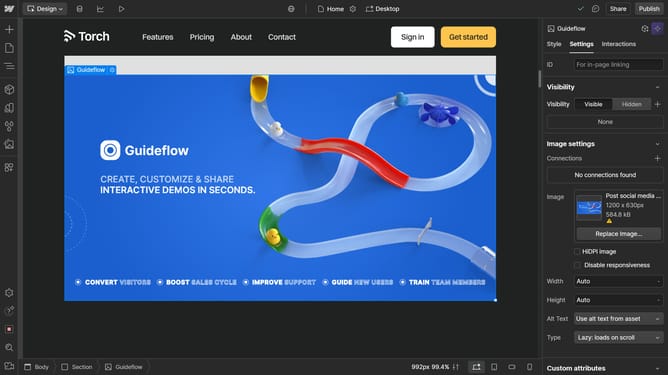
- Then click on the "Settings" tab in the right sidebar
- Next click on the language dropdown menu within the Code Block settings panel
- Finally select the desired language from the dropdown in the Code Block settings panel
Why should you change the language of a code block in Webflow
Webflow is a powerful platform designed to streamline the process of building visually captivating websites without needing to write complex code.
The ability to change the language of a code block in Webflow offers unmatched flexibility for developers working on diverse web projects.
This feature is particularly beneficial for those using multiple programming languages, ensuring that code syntax is highlighted correctly, leading to easier troubleshooting and debugging.
Ultimately, it enhances code readability and increases development efficiency, fostering a more seamless website creation experience.
Last update