How to duplicate grid columns in Webflow
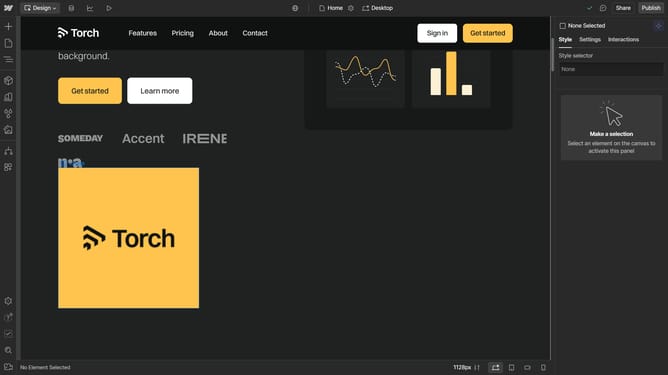
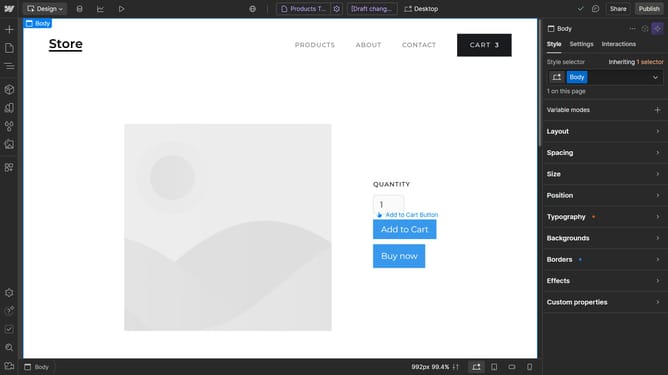
Here is how to duplicate grid columns in webflow
- First click the element with the grid layout to start editing
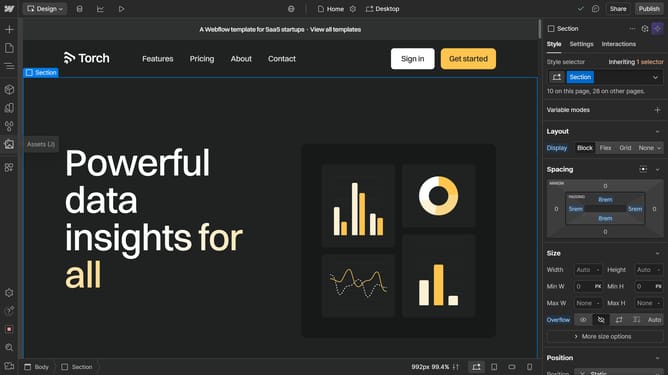
- Next click on the "Style" tab in the right sidebar
- Then click on the "Layout" option in the style settings panel
- Next click on the "Configure grid" button in the Layout settings
- Finally click on the "Duplicate" button in the columns section of the grid settings
Why should you duplicate grid columns in Webflow
Webflow is a powerful design tool that enables you to build responsive websites visually.
Duplicating grid columns in Webflow is a feature that enhances workflow efficiency by allowing designers to quickly replicate design patterns across their projects.
This not only saves time but also ensures design consistency, which is crucial for creating a cohesive visual experience.
By streamlining the process of duplicating columns, users can focus on refining other creative elements, ultimately leading to a more polished final product.
Last update