How to enable swipe gestures for slides in Webflow
Here is how to enable swipe gestures for slides in webflow
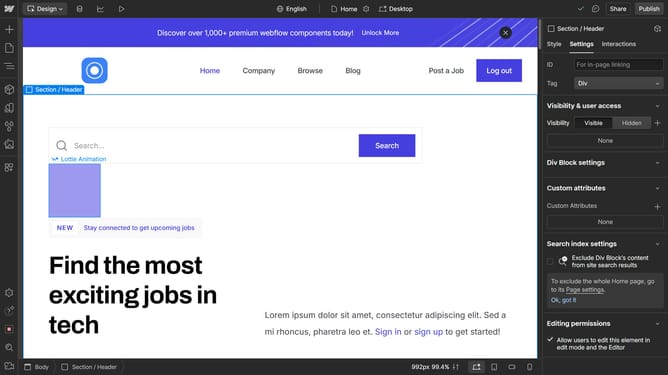
- First click on the slider in the central content area
- In the right sidebar, click on the "Slider settings" dropdown option to expand slider configuration
- In the expanded slider settings panel, click the "Disable swipe gestures" checkbox to toggle swipe functionality
Why should you enable swipe gestures for slides in Webflow
Webflow is a powerful platform designed to effortlessly bring your web design ideas to life without a single line of code.
Enabling swipe gestures for slides in Webflow enhances user interaction by allowing seamless navigation on touch devices.
With this feature, your audience can experience smooth and intuitive presentations, increasing engagement and retention. It's a simple addition that dramatically enriches the user experience on mobile platforms.
Last update