How to add a section in Webflow
Here is how to add a section in webflow
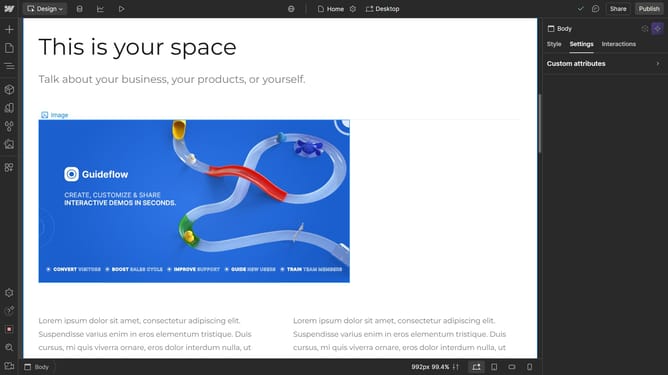
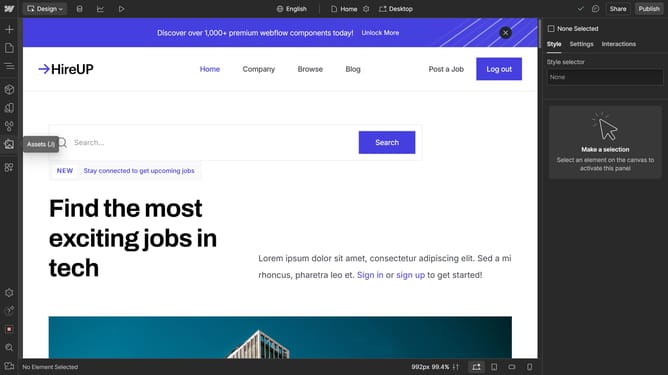
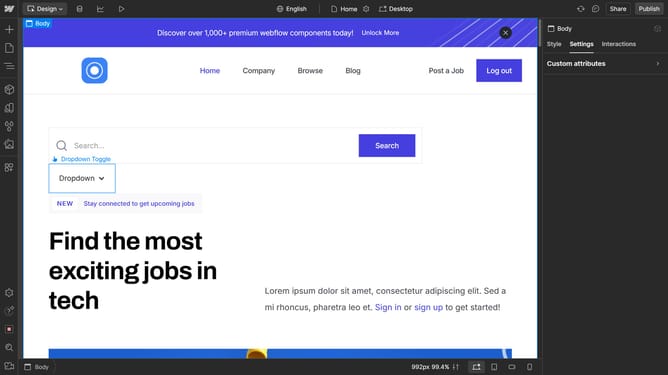
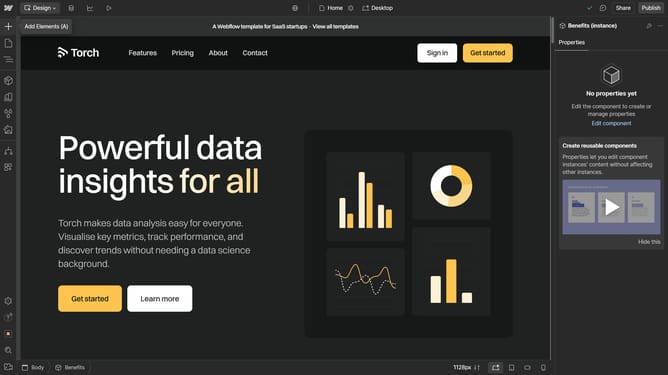
- First click on the "Add Elements" button in the left sidebar
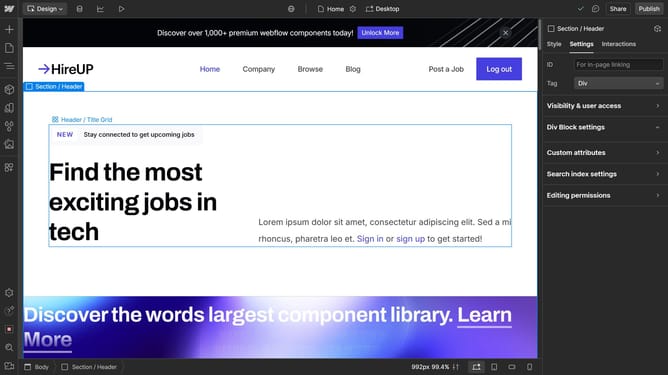
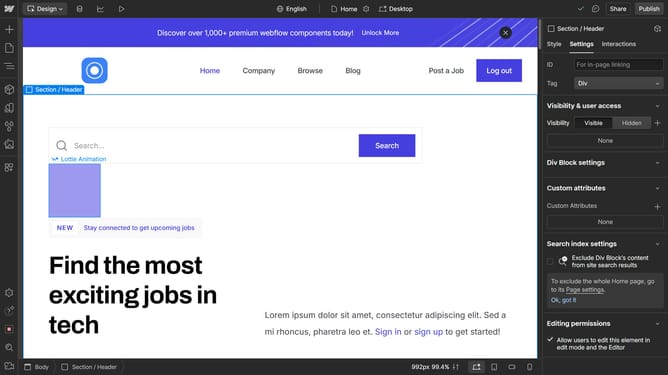
- Then drag and drop the "Section" element to the main canvas
Why should you add a section in Webflow
Webflow is a powerful tool for designing and building professional websites without coding.
Adding a section in Webflow is a breeze, offering a way to organize your content efficiently and enhance user experience.
This feature allows you to segment your webpage into distinct parts, making it visually appealing and easy for visitors to navigate.
Such organization not only improves site aesthetics but also aids in delivering clear messages to your audience, fostering engagement and retention.
Last update