How to adjust rows size in a grid in Webflow
Here is how to adjust rows size in a grid in webflow
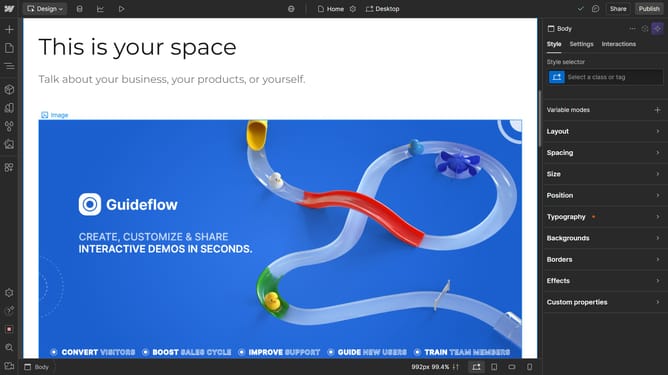
- First, click on the element with the grid layout applied
- Then click on "Style" tab in the right sidebar
- Next click on the "Layout" section in the right sidebar settings
- In the Layout settings, click on the "Grid" option
- Click on the row setting in the Grid configuration
- Finally adjust the row sizing slider to the desired value in the Grid settings panel
Why should you adjust rows size in a grid in Webflow
Webflow is an intuitive platform designed to empower creators by simplifying the web design process.
One of its notable features is the ability to adjust row sizes within a grid. This flexibility ensures that content can be beautifully aligned and dynamically adjusted to match the design needs.
By customizing row sizes, designers can enhance the user experience, making websites more engaging and visually appealing.
Leveraging this feature not only optimizes design but also contributes to improved website functionality, ensuring content is accessible across devices.
Last update