How to delete a localization in Webflow
Here is how to delete a localization in webflow
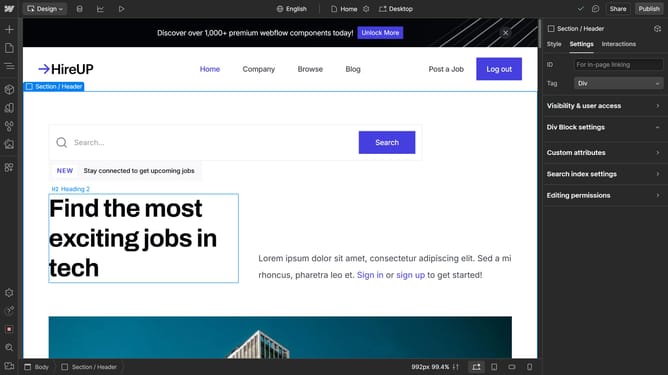
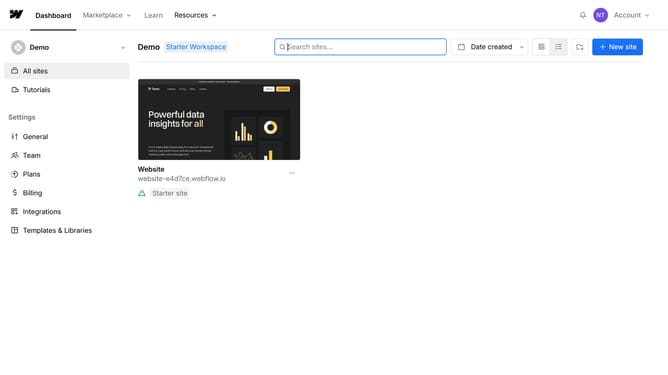
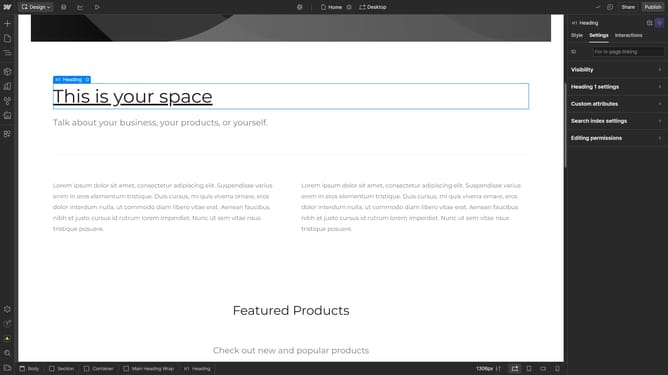
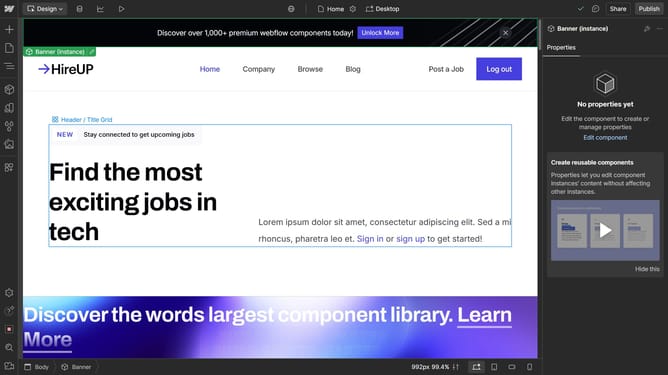
- First click on the "Settings" icon in the left sidebar
- Then click on the "Localization" option in the settings menu
- Next click on the dropdown arrow
- Then click on the "Delete this locale" button in the locale settings modal
- Finally click on the "Delete locale" button in the confirmation dialog
Why should you delete a localization in Webflow
Webflow is a dynamic platform designed to empower designers to create professional, custom websites visually without writing code.
The ability to delete a localization in Webflow streamlines your site management process by enabling you to remove unnecessary language settings effortlessly.
This feature is particularly beneficial for maintaining a clean and organized project, ensuring that your website only supports the languages needed to engage your target audience effectively.
By optimizing localization settings, you enhance user experience while keeping your site efficient and focused.
Last update