How to change the style of a decorative line in Webflow
Here is how to change the style of a decorative line in webflow
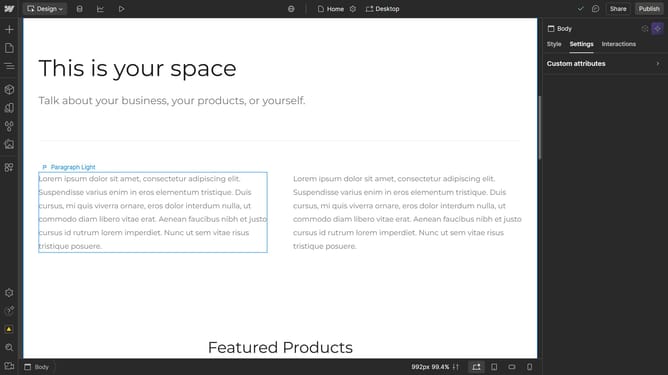
- Select the element you want to style
- Then click on the "Style" tab in the right sidebar settings panel
- Next click on the "Typography" section in the right sidebar style panel
- Then click on the "More type options" button (three dots) in the Typography decoration settings
- Next click the style option dropdown
- Finally choose the desired option in the style dropdown menu
Why should you change the style of a decorative line in Webflow
Webflow is a powerful platform that combines intuitive design tools with coding capabilities to create responsive websites.
Changing the style of a decorative line in Webflow allows for creative flexibility, giving your site a unique touch and cohesive design.
This feature enhances your ability to maintain brand consistency while improving user experience by directing attention or separating content elegantly.
Thus, it helps create visually appealing layouts that can captivate and engage your audience effectively.
Last update