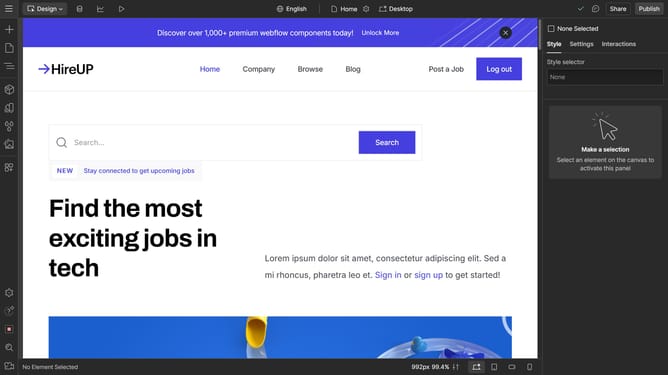
How to set word breaks in Webflow
Here is how to set word breaks in webflow
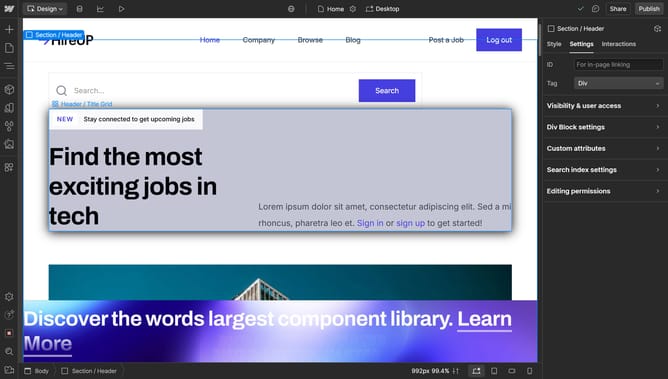
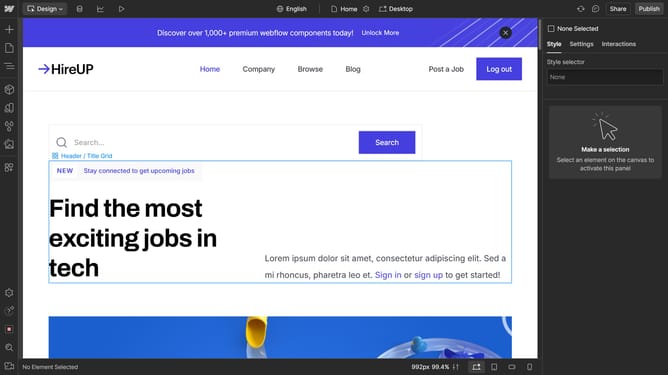
- First click on the text element you want to edit
- Then click on the "Style" tab in the right sidebar
- Next click on the "Typography" section in the right sidebar settings
- Then click on "More type options" dropdown in the Typography settings
- Next click on the "Breaking" dropdown menu in the typography options
- Finally select "Break all" option from the Breaking dropdown menu
Why should you set word breaks in Webflow
Webflow is an innovative platform designed for building professional websites without needing to write code.
In Webflow, setting word breaks is a handy feature that enhances the readability and aesthetics of your web content.
By enabling word breaks, you ensure that text effortlessly adapts to various screen sizes and browser windows.
This feature is particularly beneficial on mobile devices where screen space is limited, maintaining a clean and organized look while improving user experience significantly.
Last update