How to adjust the column gap in a Webflow grid
Here is how to adjust the column gap in a webflow grid
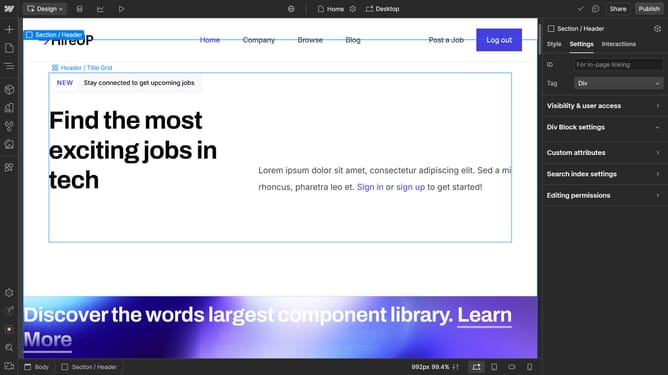
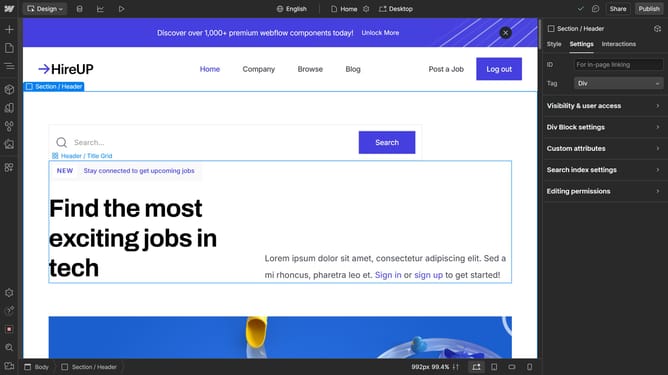
- First click the element with the grid layout to start editing
- Click on the "Style" tab in the right sidebar
- Click on the "Layout" option in the style settings panel
- Click on the "Unlock gap" button in the Layout settings
- Modify the value in the Column Gap settings to adjust the spacing
Why should you adjust the column gap in a Webflow grid
Webflow empowers creators to design sleek, responsive websites without coding.
The ability to adjust the column gap in a Webflow grid enhances your design flexibility. It allows for precise spacing between content, leading to a clean and organized presentation.
By customizing column gaps, users can create visually appealing layouts that improve readability and user experience. This feature ensures that the design is not only aesthetically pleasing but also functional, catering to diverse screen sizes and devices seamlessly.
Last update