How to resize a slider in Webflow
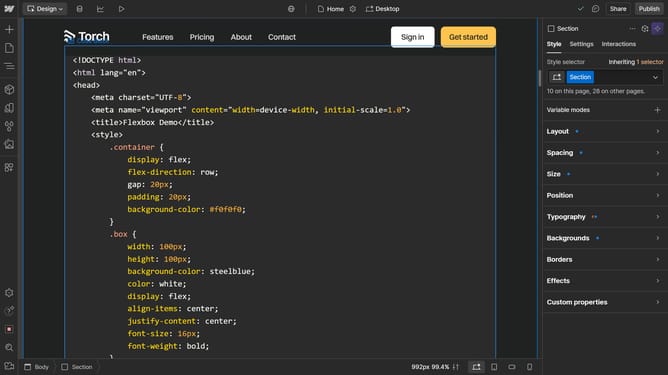
Here is how to resize a slider in webflow
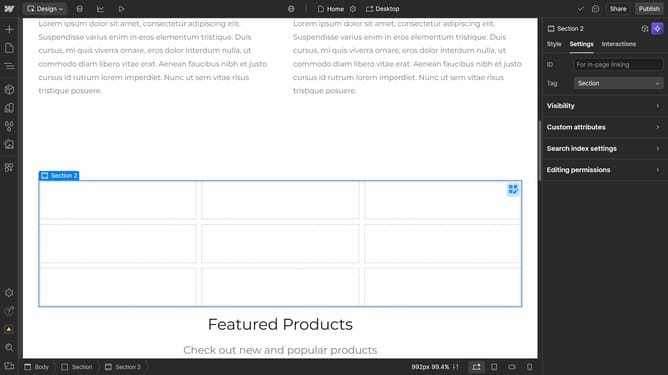
- First click on the slide element in the main content area
- Then click on the "Settings" tab in the right sidebar
- Next click on the "Size" section in the right sidebar settings panel
- Here you can manually adjust the size of your slide
Why should you resize a slider in Webflow
Webflow is an innovative web design tool that empowers creators with the ability to craft visually stunning websites without coding.
Resizing a slider in Webflow is a feature that enhances the adaptability and visual appeal of your website.
By ensuring your slider displays content optimally across different devices, you improve user experience and engagement.
This flexibility aids in maintaining your website's professional appearance, no matter the screen size, reinforcing your brand's credibility and aesthetics.
Last update