How to add a "Buy Now" element in the Add to Cart in Webflow
Here is how to add a "buy now" element in the add to cart in webflow
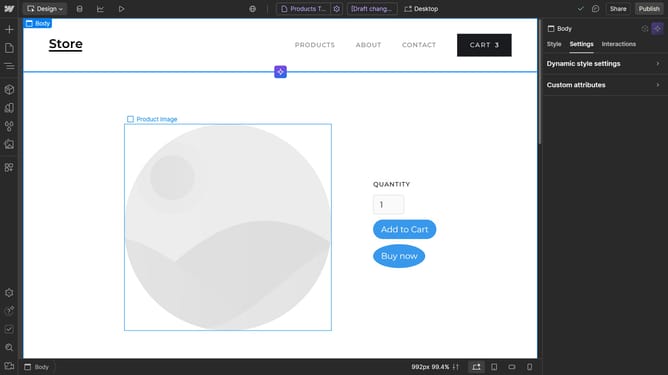
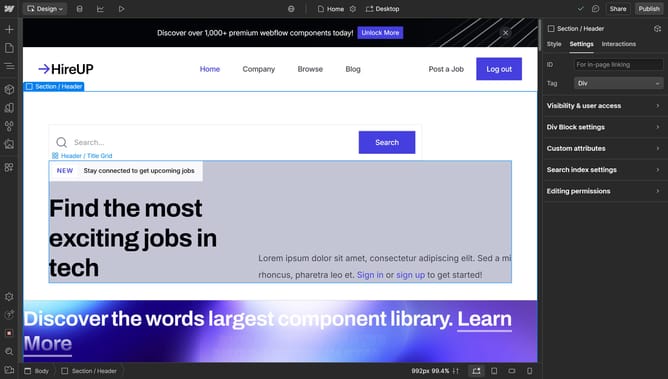
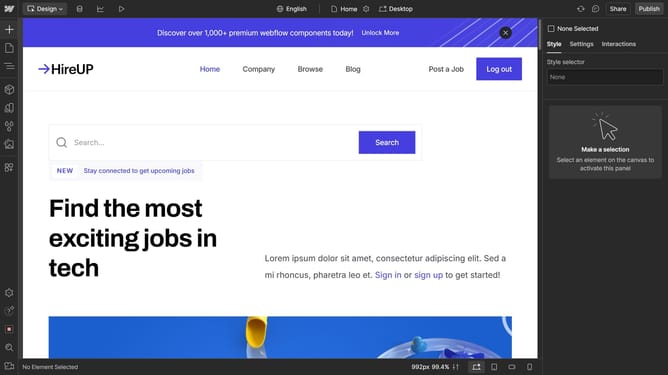
- First click on the "Add to Cart" element in the canvas
- Then click on "Add to Cart settings" option in the right sidebar
- Finally click on the "Show" button under the "Buy now" section in the Add to Cart settings panel
Why should you add a "Buy Now" element in the Add to Cart in Webflow
Webflow is a powerful platform for creating responsive, professional websites with an intuitive visual editor.
Adding a "Buy Now" element in the Add to Cart feature on Webflow elevates your e-commerce design, streamlining the purchasing process for customers.
It enhances user experience by reducing clicks, encouraging quick decisions, and potentially boosting sales.
Integrating this element can significantly improve conversion rates, making your online store more efficient and customer-friendly.
Last update