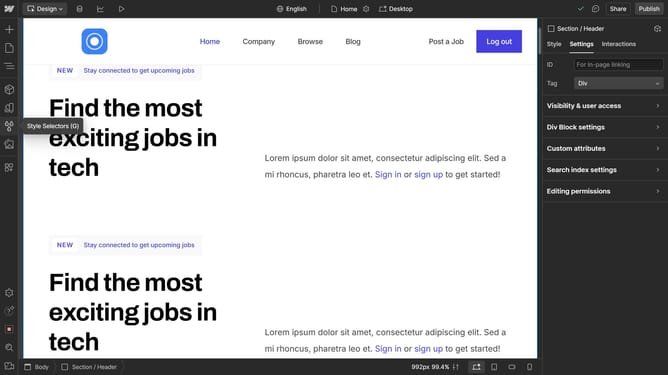
How to strikethrough text in Webflow
Here is how to strikethrough text in webflow
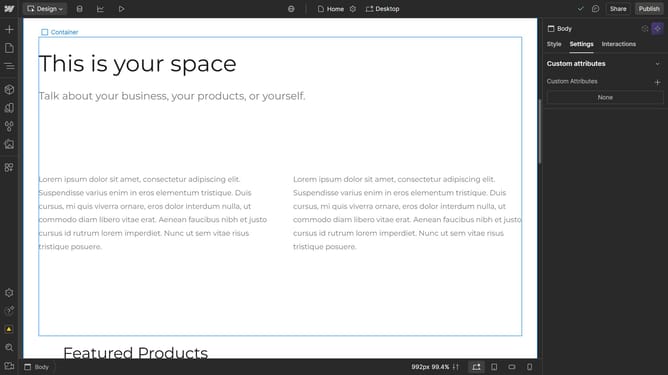
- First click on the paragraph text block in the main content area to select it
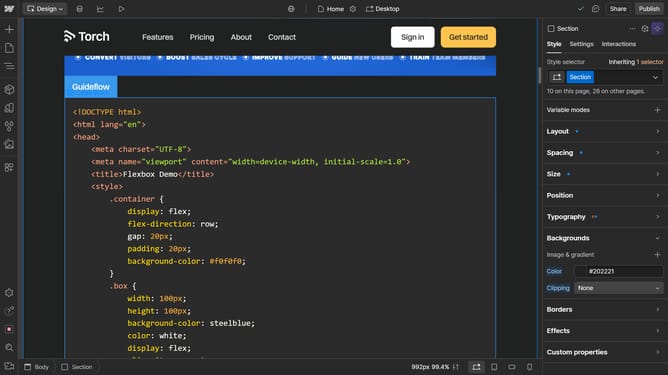
- Then click on the "Style" tab in the right sidebar
- Next click on the "Typography" section in the style panel
- Finally click on the "Strikethrough" button in the Typography decoration options
Why should you strikethrough text in Webflow
Webflow is a dynamic platform that empowers users to design, build, and launch visually appealing websites without writing a single line of code.
Using the strikethrough text feature in Webflow is an effective way to convey updates, corrections, or emphasis within your digital content.
This handy feature helps retain readability and maintain transparent communication by visually crossing out outdated or incorrect information while leaving the original text accessible for context.
Incorporating strikethrough in your Webflow projects can enhance user experience, ensuring that your message is both clear and engaging.
Last update