How to change the ease for a slider in Webflow
Here is how to change the ease for a slider in webflow
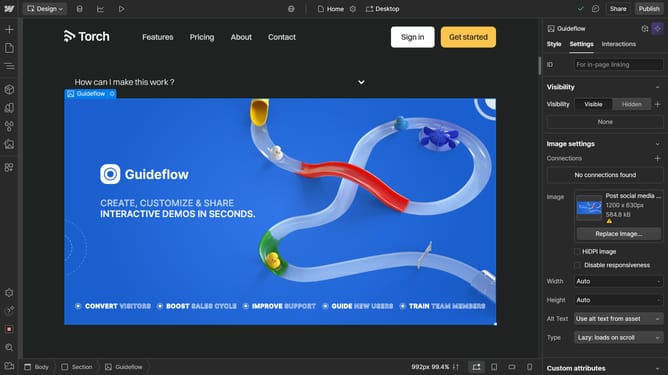
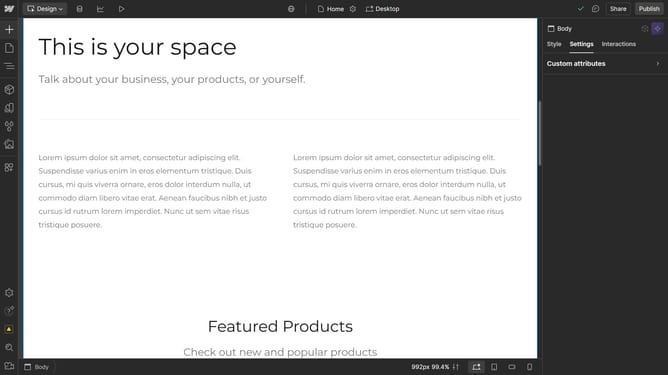
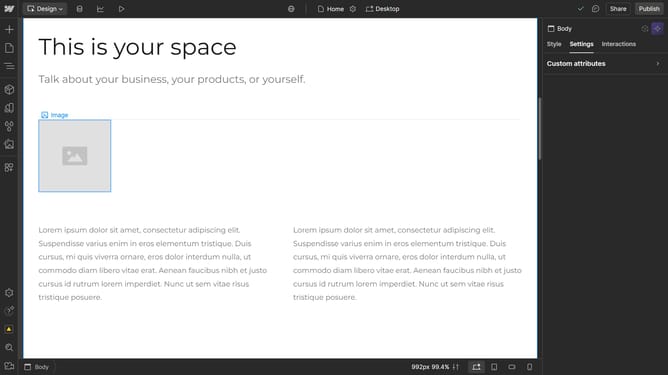
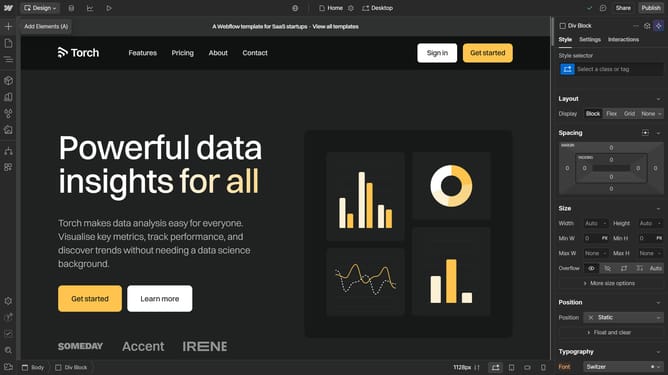
- First click on the slider in the central content area
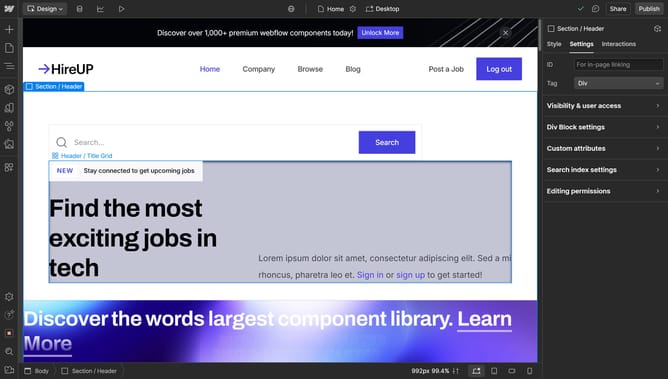
- Then click on the "Slider settings" option in the right sidebar panel
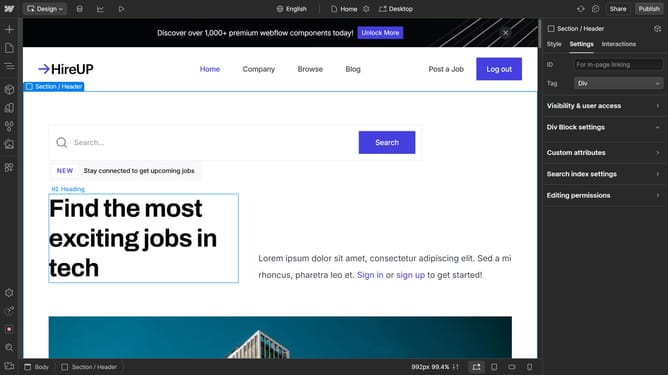
- Next click on the "Ease" dropdown menu in the slider settings section
- Finally select an ease option from the dropdown list
Why should you change the ease for a slider in Webflow
Webflow is a modern platform empowering users to design, build, and launch responsive websites visually.
One essential feature is the ability to adjust the ease for sliders, which enhances user experience by creating smoother transitions. This subtle adjustment helps in maintaining the flow and pace of a website, making content delivery more engaging.
By customizing the slider ease, designers can add a touch of uniqueness, ensuring that their projects not only look professional but also feel intuitive. This feature is invaluable for crafting compelling narratives that capture attention seamlessly.
Last update