How to change the slider animation in Webflow
Here is how to change the slider animation in webflow
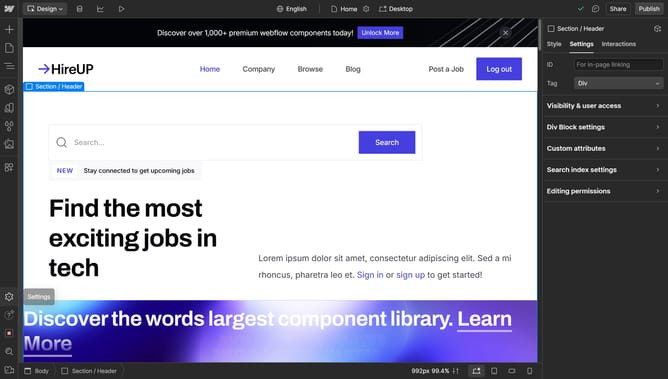
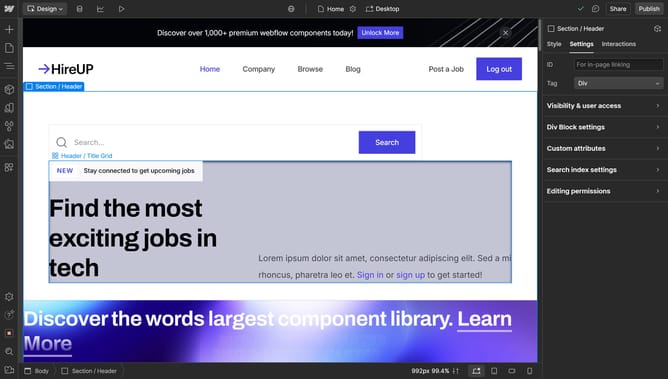
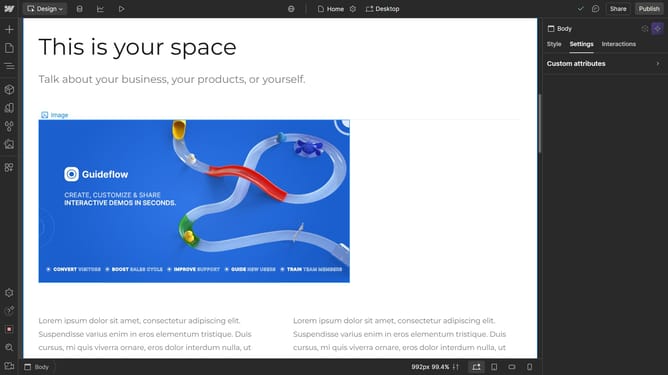
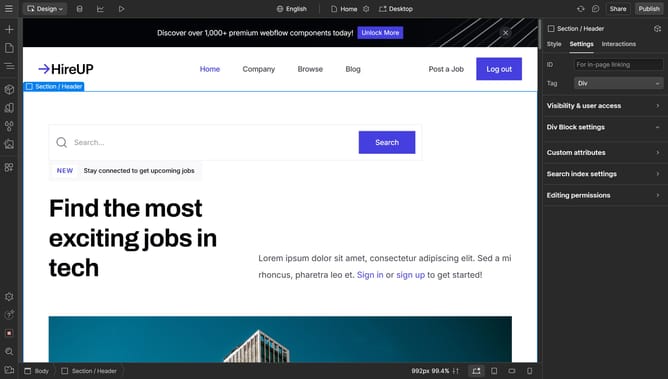
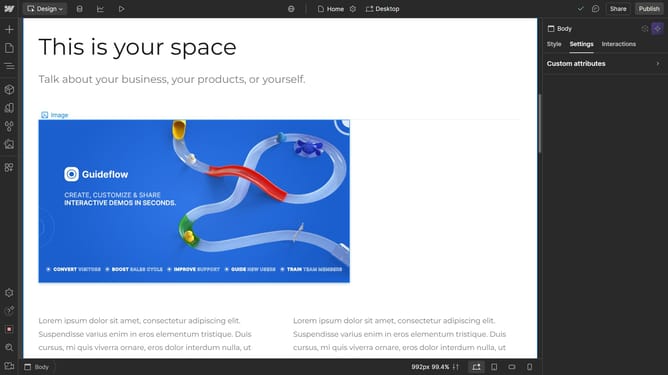
- First click on the slider in the central content area
- Then click on the "Slider settings" option in the right sidebar
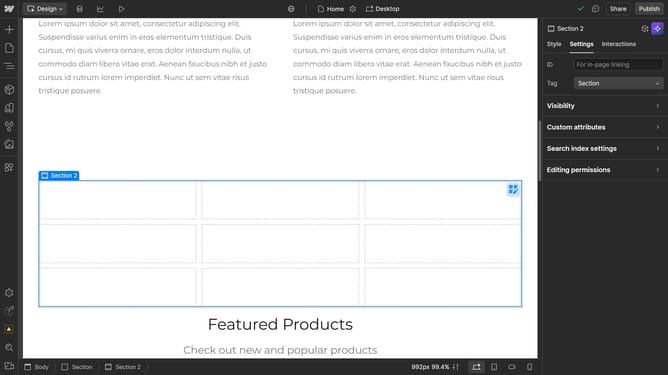
- Next click on the "Animation" dropdown menu in the Slider settings panel
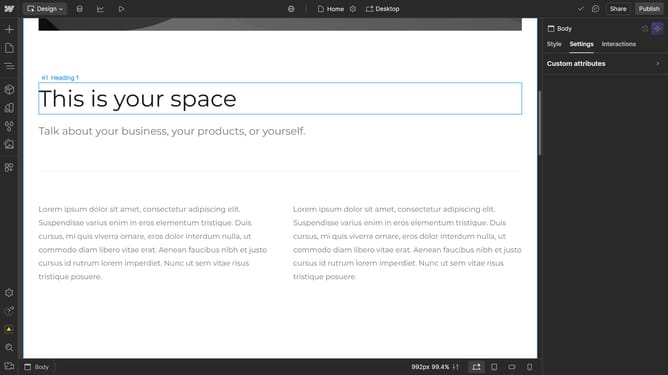
- Finally choose an option from the Animation dropdown
Why should you change the slider animation in Webflow
Webflow empowers creators to design visually stunning, responsive websites without the need for coding.
Among its many features, the ability to change the slider animation stands out as a powerful tool. This feature lets you redefine how your audience experiences content transitions, adding a dynamic touch to your overall design.
Customizing slider animations allows for a more engaging visitor experience, enhancing visual storytelling and retaining user attention. It provides a unique way to highlight important content, keeping the user interaction intuitive and seamless.
Last update