How to duplicate block quote in Webflow
Here is how to duplicate block quote in webflow
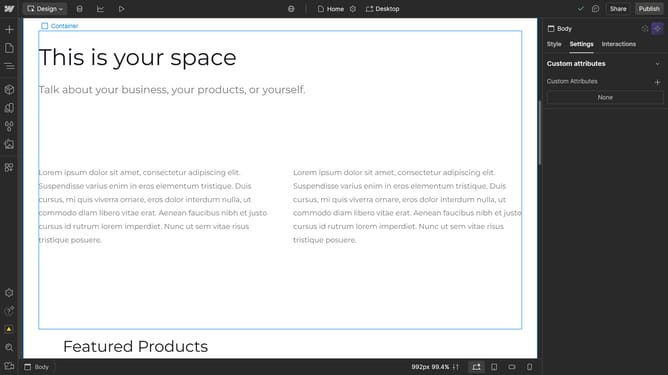
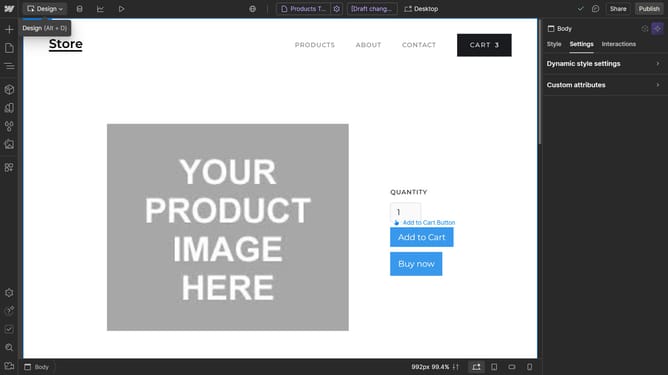
- First click on the content area of the "Block Quote" element in the main editor
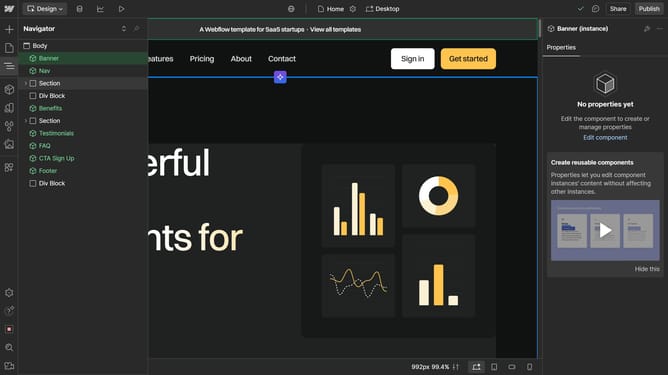
- Then click on the "Navigator" button in the left sidebar
- Next right-click on the "Block Quote" item in the Navigator panel
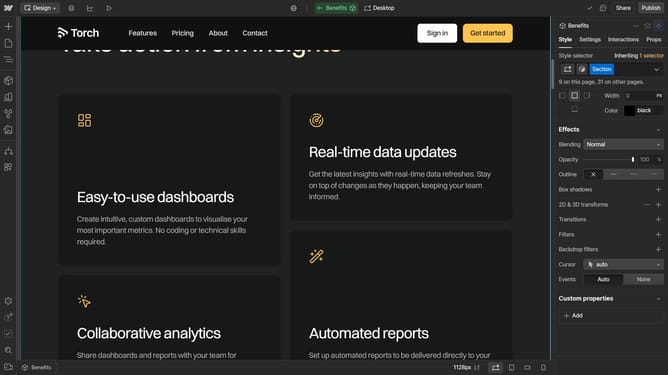
- Finally click on the "Duplicate" option in the right-click context menu of the Block Quote element
Why should you duplicate block quote in Webflow
Webflow empowers creators by providing a flexible platform to design and build stunning websites without coding.
The ability to duplicate block quotes in Webflow enhances workflow efficiency by allowing users to easily replicate stylized elements.
This feature helps maintain consistency across pages and saves time, especially when handling repetitive tasks or multiple sections requiring uniform presentation.
With seamless duplication, designers can ensure their web layouts are polished and professional with minimal effort.
Last update