How to change the size of a flex child in Webflow
Here is how to change the size of a flex child in webflow
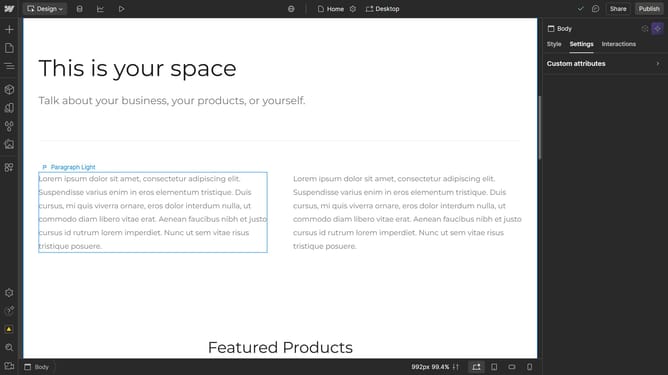
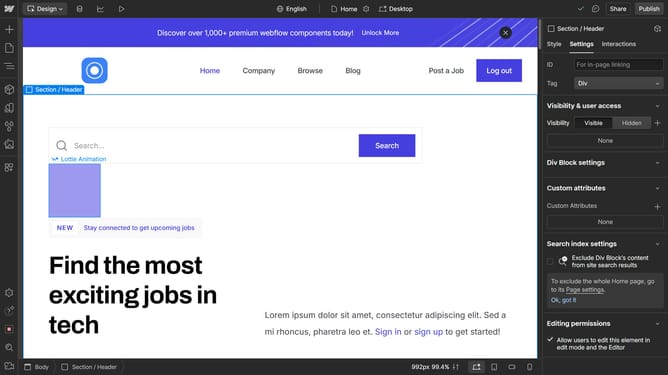
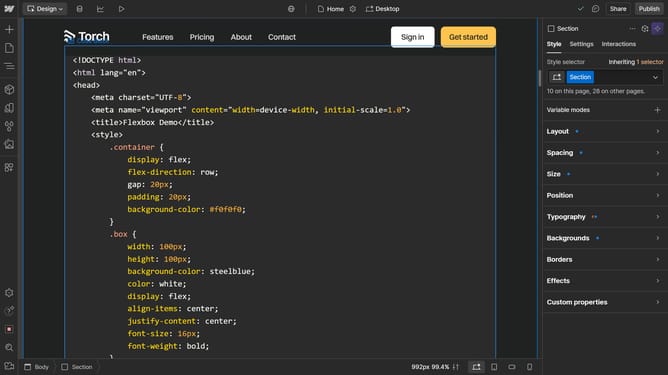
- First select the container element in the main editor area
- Then click on the "Style" tab in the right sidebar settings panel
- Finally, choose an option from the sizing section for your flex children
Why should you change the size of a flex child in Webflow
Webflow is a versatile web design tool that bridges the gap between design and development.
One of its standout features is the ability to change the size of a flex child with precision. This functionality allows designers to create responsive layouts that scale beautifully across all devices, ensuring a seamless user experience.
By adjusting flex child sizes, designers can strategically emphasize certain elements, enhance visual hierarchy, and improve overall navigation. This flexibility ultimately leads to more engaging and visually appealing web designs.
Last update