How to add an overline to text in Webflow
Here is how to add an overline to text in webflow
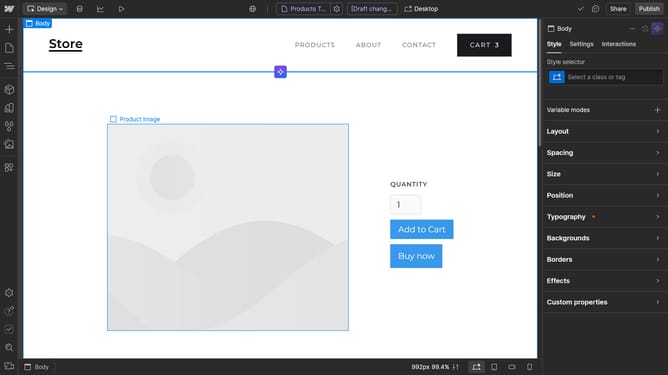
- First click on the text element in the main content area
- Then click on the "Style" tab in the right sidebar panel
- Next click on the "Typography" section in the Style settings
- Finally click on the "Overline" button in the Typography settings under the Decor options
Why should you add an overline to text in Webflow
Webflow is a powerful platform designed to allow creators to build responsive websites visually.
Adding an overline to text in Webflow offers a unique stylistic touch that enhances readability and can draw attention to specific content without overwhelming the design.
Utilizing an overline can provide an additional layer of direction and focus for users navigating through a webpage, ensuring important information stands out.
This subtle yet effective design feature contributes significantly to creating a polished and professional look for any web project.
Last update