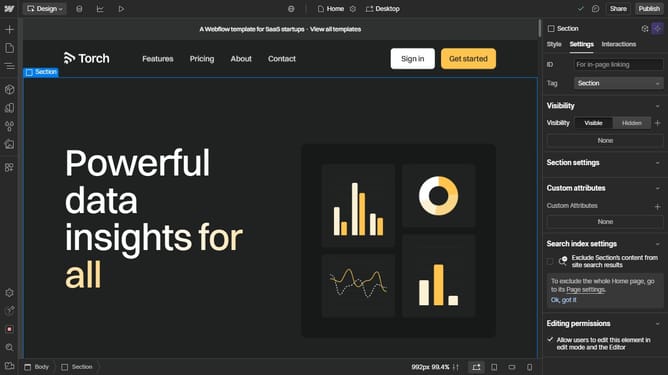
How to clone a Webflow website?
Here is how to clone a webflow website
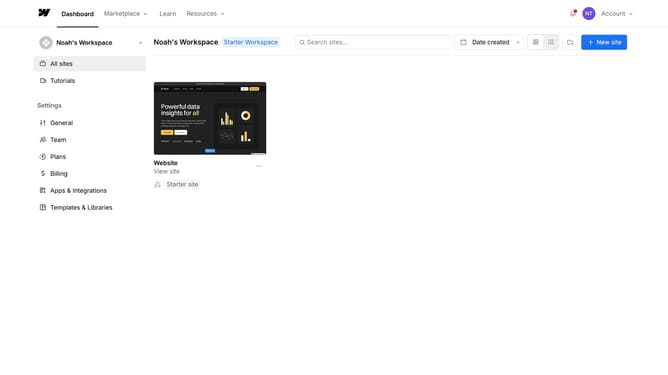
- Open your Webflow dashboard
- Locate the project you want to clone and click on the three dots
- From the menu, choose "Duplicate"
- Choose the settings you want to include in the new site
- Then click on "Duplicate Site" to proceed
- You’ll see a confirmation message, and an email will notify you once the cloned project is ready
- The project will successfully be copied to your workspace
Why should you clone a Webflow website?
Webflow is a dynamic web design tool that empowers users to create visually stunning, responsive websites without the need for coding.
The ability to clone a Webflow website offers a seamless way to duplicate existing designs effortlessly, preserving the original site's structure, styles, and interactions.
This feature is particularly beneficial for those looking to leverage successful design templates, ensuring consistency in branding, or simply saving time on design iterations. You gain immediate access to a polished foundation, allowing you to focus on content and personal touches, accelerating the website development process.
Last update