How to change grid gaps in Webflow
Here is how to change grid gaps in webflow
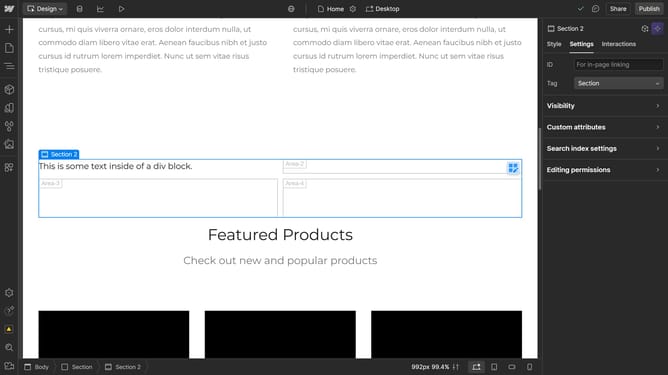
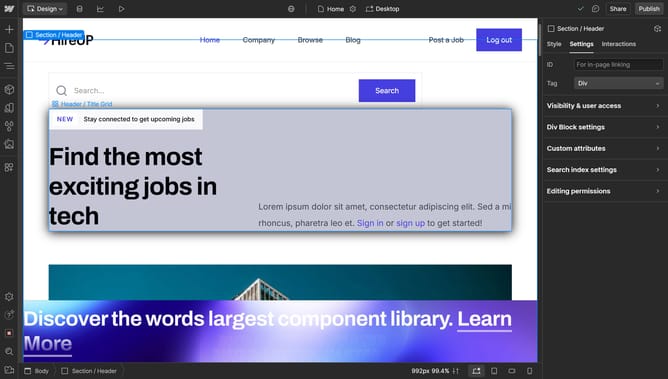
- First click the element with the grid layout to start editing
- Then click on the "Style" tab in the right sidebar
- Next click on the "Layout" option in the Style settings panel
- Finally adjust the "Gap" control slider in the Layout settings to adjust the spacing between grid items
Why should you change grid gaps in Webflow
Webflow is a powerful design tool that allows users to create responsive websites visually.
One of its standout features is the ability to adjust grid gaps effortlessly.
By changing grid gaps, designers can achieve a more customized layout, enhancing a website's visual appeal and user experience.
Using this feature creates a clean, organized look, making content easier to digest and improving overall site navigation. This flexibility helps in maintaining brand consistency and achieving a professional finish.
Last update