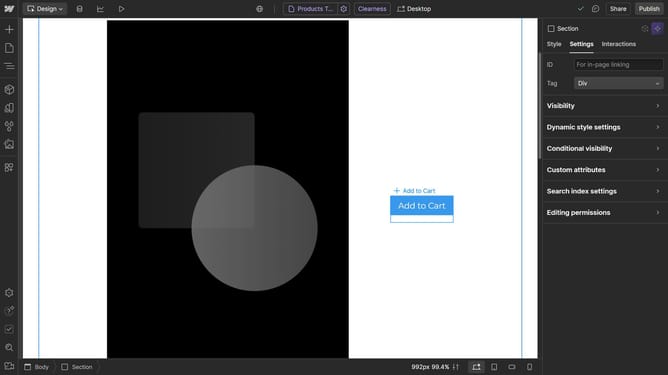
How to change opacity in Webflow
Here is how to change opacity in webflow
- First, click on the area where you want to adjust the opacity
- Then click on the color selector in the right sidebar settings panel
- Finally, drag the opacity slider to your preferred setting
Why should you change opacity in Webflow
Webflow empowers designers to create responsive websites with ease and creativity
Adjusting opacity in Webflow allows designers to refine the visual depth and hierarchy of their designs effortlessly.
Using opacity ensures that elements don't overwhelm each other, creating a balanced and professional look.
This feature enhances user focus, directs attention where needed, and contributes to an overall seamless user experience.
Last update