How to place content in a Webflow grid
Here is how to place content in a webflow grid
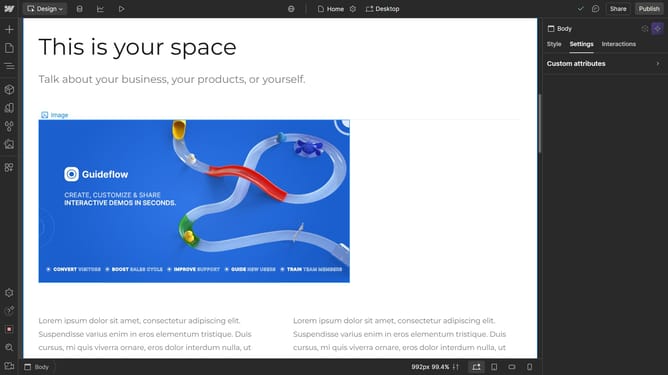
- First click the element with the grid layout to start editing
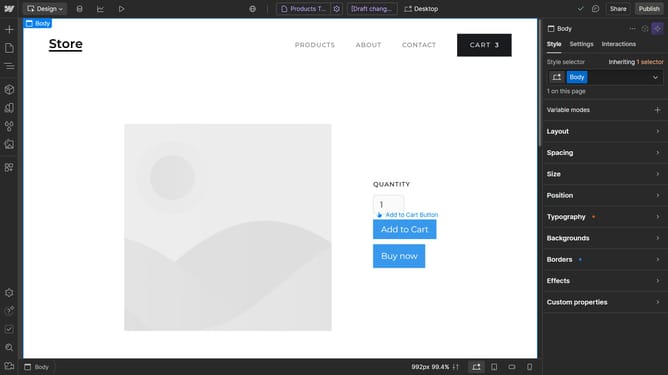
- Then click on the "Style" tab in the right sidebar
- Next click on the "Layout" section in the style panel
- Click on the "Configure grid" button in the Layout options
- Click on "Add Grid Area" button in the grid
- Then click on the "+" button in the top-left corner of the interface
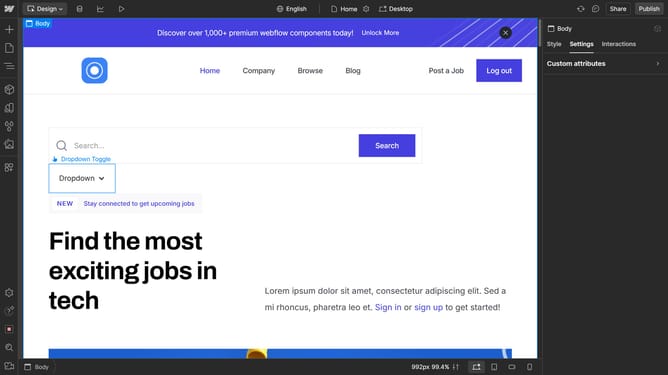
- Next click and hold a child element in the Add Elements panel
- Finally drag and drop the element into the desired grid cell
Why should you place content in a Webflow grid
Webflow is a versatile platform that empowers users to design, build, and launch visually-impressive websites without writing code.
One standout feature is the ability to place content within a Webflow grid. This function offers a structured approach to web design, ensuring that elements align perfectly and aesthetically to enhance user experience.
By utilizing the Webflow grid system, designers achieve flexibility and creativity while maintaining a consistent layout. This makes managing and updating site content more efficient and intuitive.
Last update