How to create a combo class in Webflow
Here is how to create a combo class in webflow
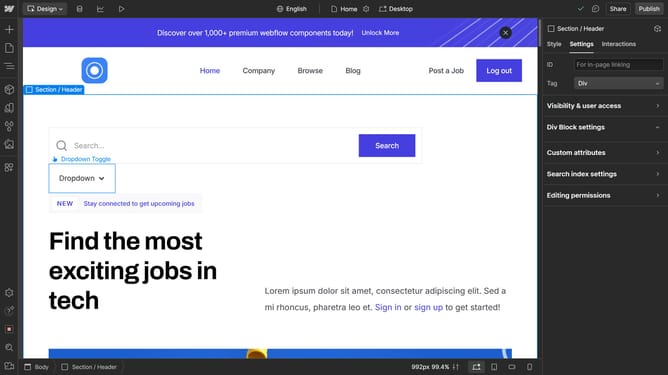
- First click an element
- Then click on the 'Styles' tab in the right sidebar
- Next click on the 'Header Layout' selector in the style settings panel
- Finally click on "Create" in the style selector dropdown menu
Why should you create a combo class in Webflow
Webflow is an innovative platform that empowers users to design and develop responsive websites visually.
Creating a combo class in Webflow allows you to customize a specific element's styling while retaining core base styles, adding flexibility and precision to your design workflow.
This feature is perfect for designers who want to streamline their design process, enabling them to make specific style changes without affecting the entire site's uniformity.
Using combo classes enhances efficiency, ensuring consistency across your web project while maintaining the ability to refine details as needed.
Last update