How to delete a code block in Webflow
Here is how to delete a code block in webflow
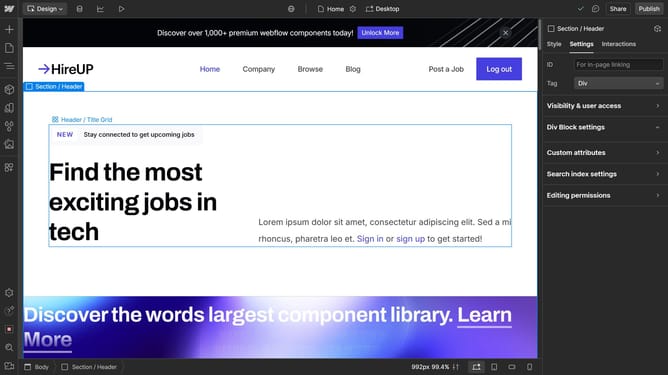
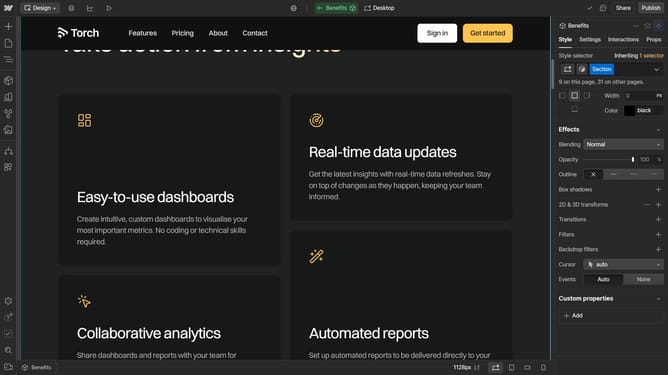
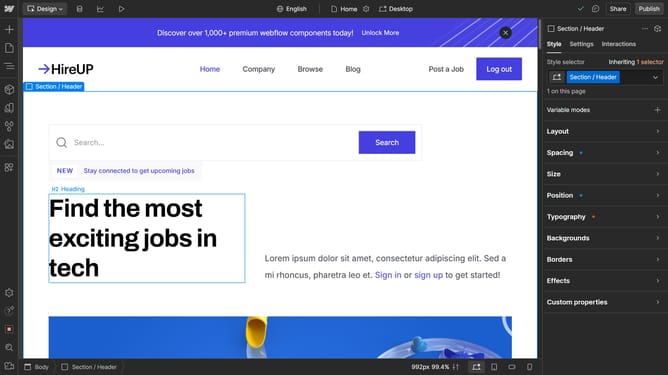
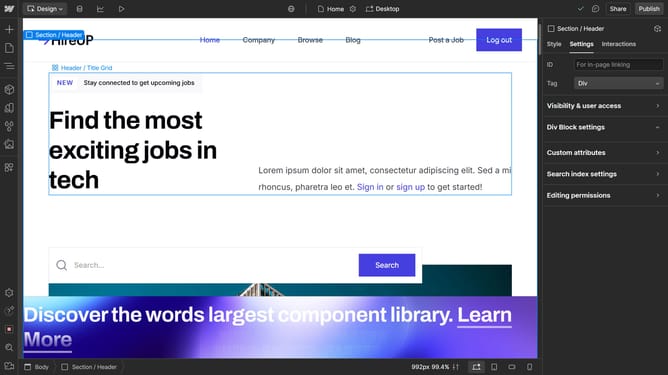
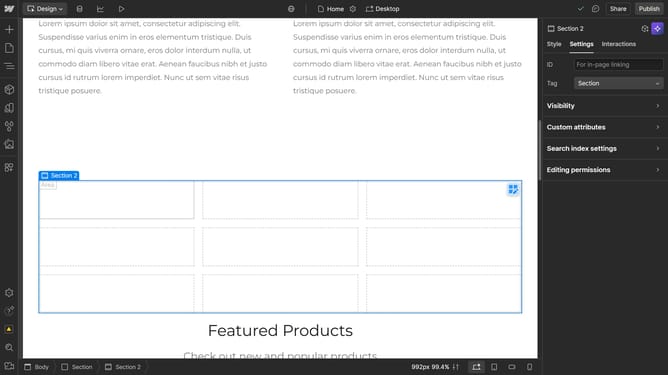
- First click on the code block you want to delete
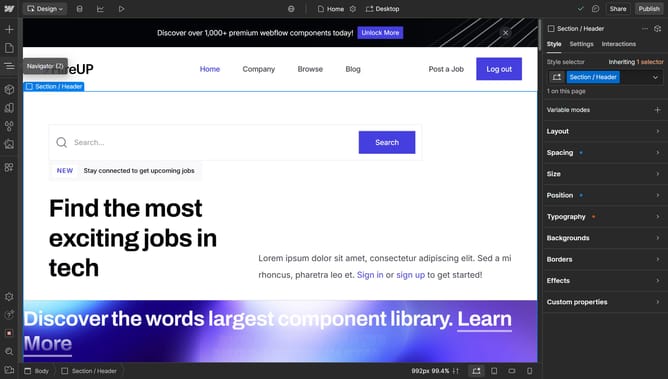
- Then click on the "Navigator" icon in the left sidebar
- Next right click on the highlighted element in the Navigator panel
- Finally click on the "Delete" option in the context menu of the Code Block element
Why should you delete a code block in Webflow
Webflow empowers creators to design, build, and launch visually stunning websites without code headaches.
Deleting a code block in Webflow enhances the flexibility of your design process by removing unwanted or outdated custom code snippets.
This feature ensures that your website remains clutter-free, improving load times and overall site performance, while maintaining the integrity of your design.
Leveraging such functionality benefits your site's SEO efforts and ensures seamless user experiences.
Last update