How to limit future bookings in Cal.com
Here is how to limit future bookings in cal.com
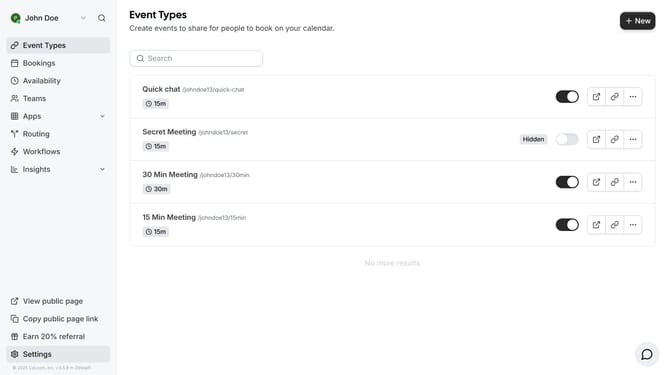
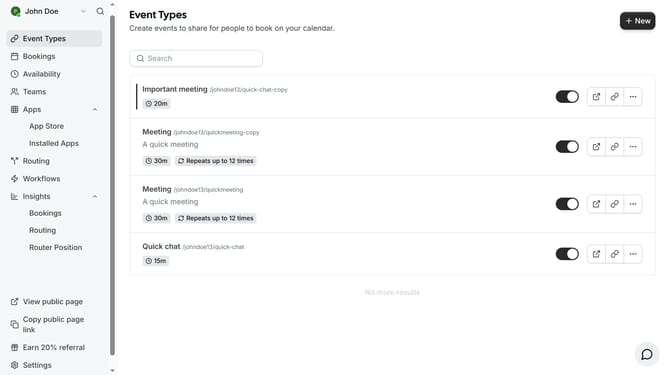
- First click on "Event Types" in the left sidebar menu
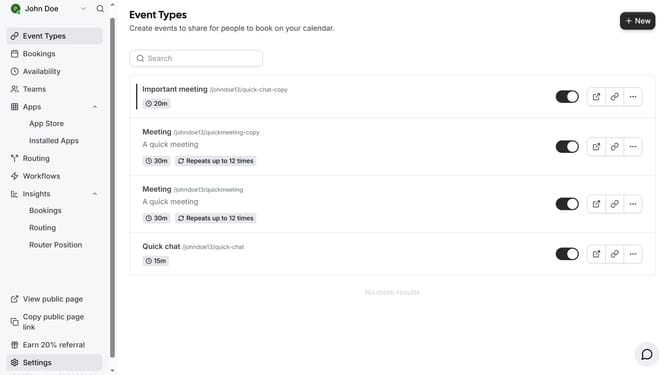
- Then click on an event from the event types list
- Next click on the "Limits" option in the left settings menu
- Scroll down in the even types limit settings
- Click on the toggle switch to enable "Limit future bookings"
- Select the "business days" dropdown menu to change the time unit
- Select your preferred options from the dropdown menu
- Click on the input field to change the number of days
- Adjust the value to your preferred number of days
- Finally click the "Save" button in the top right corner to apply the changes
Why should you limit future bookings in Cal.com
Cal.com is a versatile scheduling platform designed to streamline your appointment management effortlessly.
One of its standout features is the ability to limit future bookings, giving users control over their scheduling boundaries.
This feature helps maintain a manageable calendar by setting constraints on how far in advance clients can book appointments.
Limiting future bookings ensures you can anticipate upcoming commitments without the stress of unexpected scheduling conflicts, enhancing productivity and work-life balance.
Last update