How to limit booking frequency per day in Cal.com
Here is how to limit booking frequency per day in cal.com
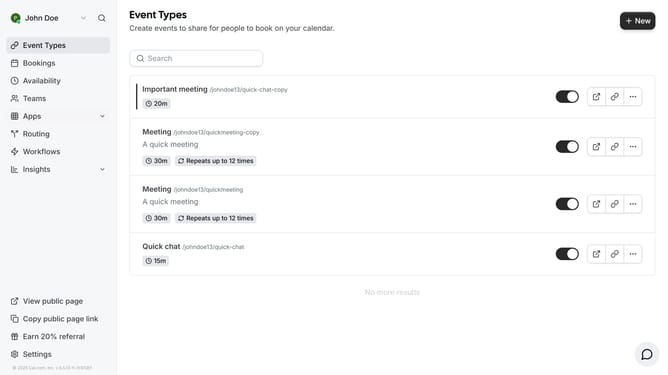
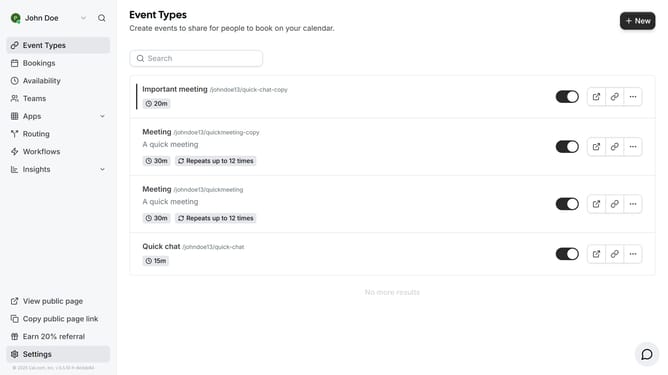
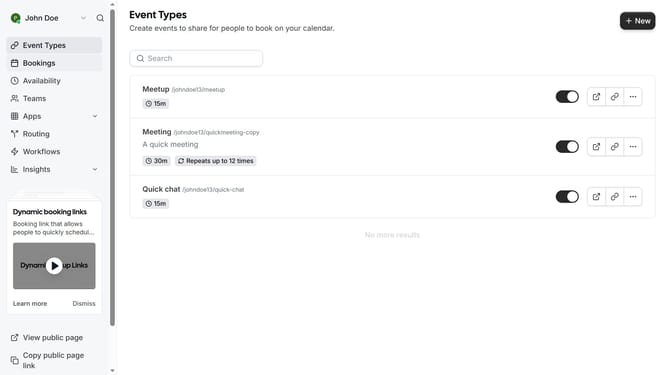
- First click on "Event Types" in the left sidebar menu
- Then click on an event from the list
- Next click on "Limits" option in the left settings menu
- Then click on the toggle switch to enable "Limit booking frequency"
- Next click on the number input field and update it to the desired frequency of your booking
- Finally click on the "Save" button in the top right corner
Why should you limit booking frequency per day in Cal.com
Cal.com is a versatile scheduling tool designed to streamline and manage your booking needs effortlessly.
Limiting booking frequency per day in Cal.com allows you to maintain control over your schedule and prevent overbooking.
This feature is beneficial in optimizing your time and ensuring you have adequate breaks between meetings.
By setting booking limits, you can enhance productivity and maintain a balanced workload, fostering a more efficient and stress-free environment.
Last update