How to connect Deel in Cal.com
Here is how to connect deel in cal.com
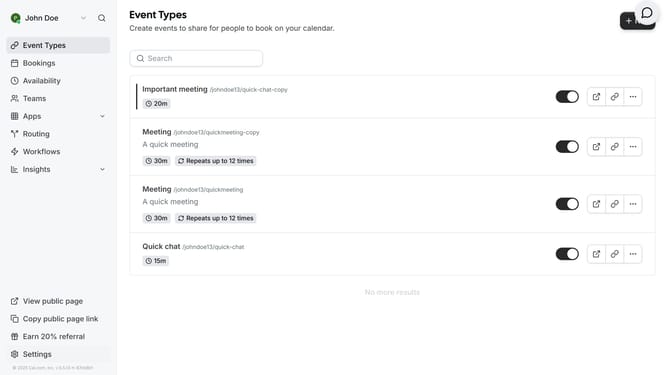
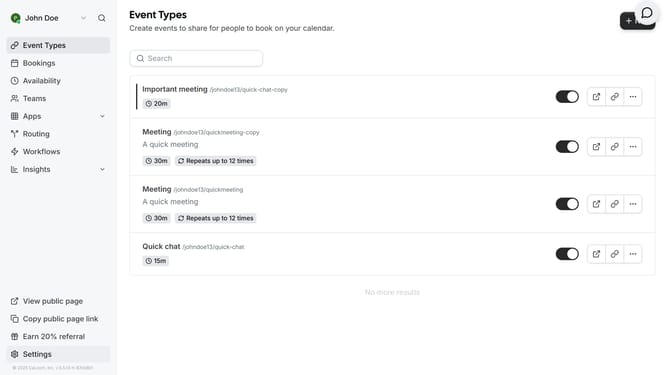
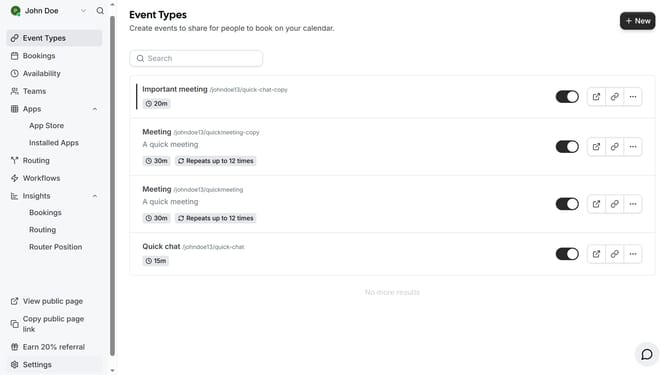
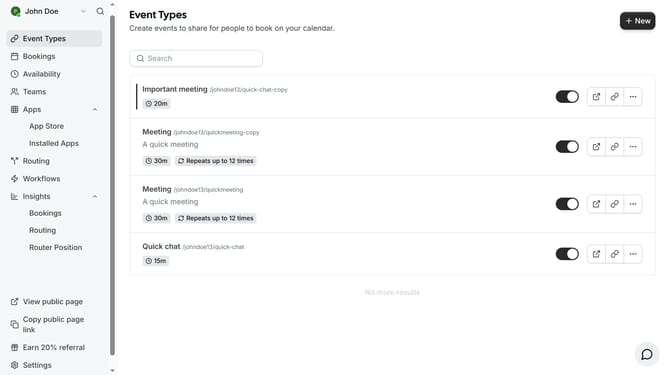
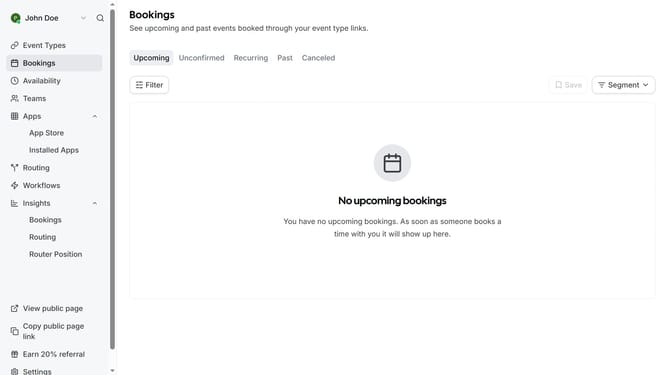
- First click on the "Apps" item in the left sidebar menu
- Then click on "App Store" option in the expanded Apps submenu
- Next click on the "Other" category tile in the Featured Categories section
- Then scroll down until you see the Deel app card
- Next click "Details" button under the Deel app card
- Finally click the "Install" button for Deel app card to integrate it with Cal
Why should you connect Deel in Cal.com
Cal.com is an intuitive scheduling platform designed to streamline appointment booking effortlessly.
Connecting Deel in Cal.com enhances the user experience by integrating seamless financial management capabilities directly within your scheduling workflow. This feature ensures that all your contractual and payment processes flow as smoothly as your scheduling activities.
Utilizing the Deel connection in Cal.com can lead to increased productivity, allowing users to focus more on their core tasks rather than administrative duties, thereby optimizing overall organizational efficiency.
Last update