How to limit total booking duration per year in Cal.com
Here is how to limit total booking duration per year in cal.com
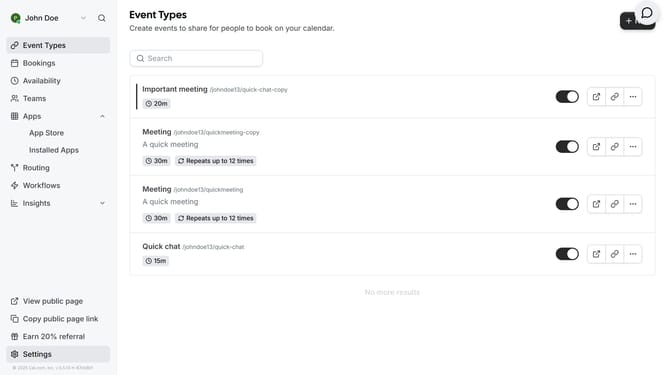
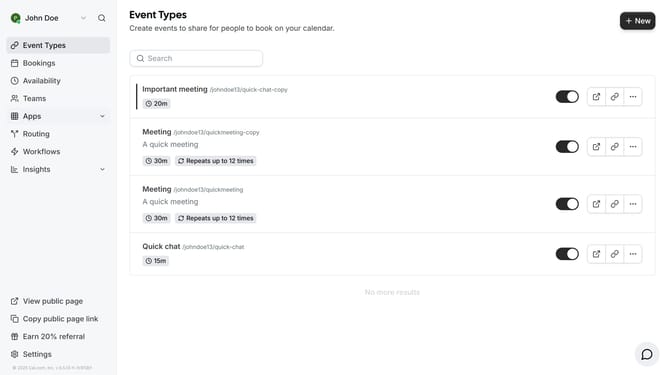
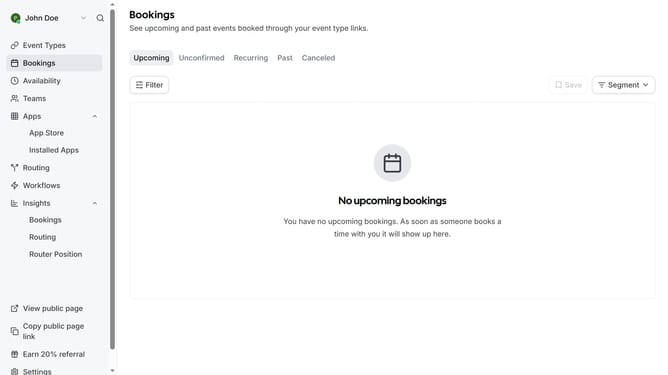
- First click on "Event Types" in the left sidebar menu
- Then click on an event from the list
- Next click on "Limits" option in the left settings panel
- In the Limits section, click the toggle switch for "Limit total booking duration"
- Click on the duration dropdown menu
- Select "Per year" from the duration dropdown options
- Click in the minutes input field
- Change the duration value to your preferred duration
- Finally click the "Save" button in the top right corner to apply the changes
Why should you limit total booking duration per year in Cal.com
Cal.com is a powerful scheduling tool designed to streamline your appointment management effortlessly.
For those looking to regulate their availability, Cal.com offers a feature to limit the total booking duration per year, providing users with greater control over their schedules.
This feature ensures a balanced workload and prevents overcommitment, maintaining productivity and reducing burnout.
By setting an annual limit, individuals and businesses enjoy a healthier work-life balance while optimizing their scheduling efficiency.
Last update