How to connect Paypal in Cal.com
Here is how to connect paypal in cal.com
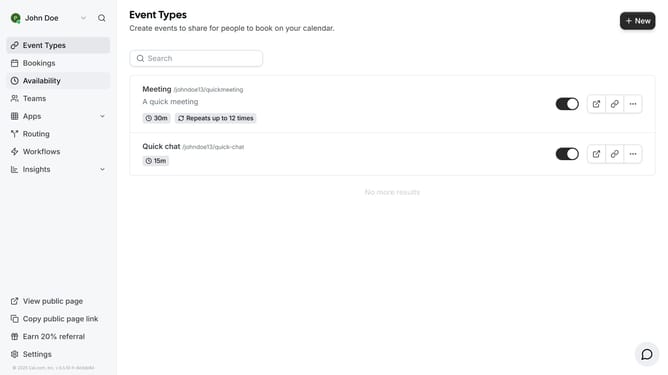
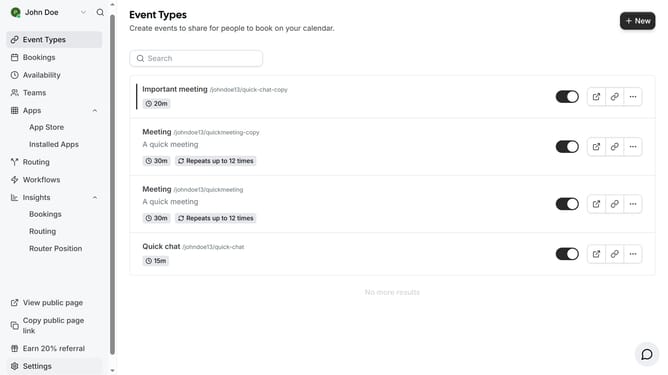
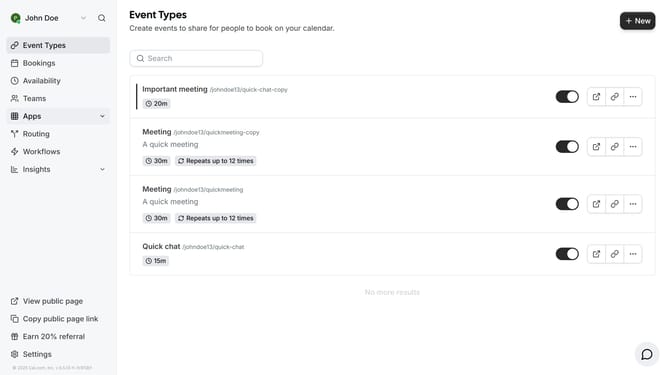
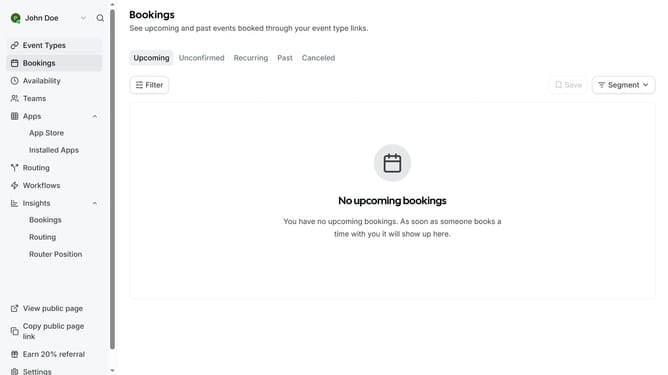
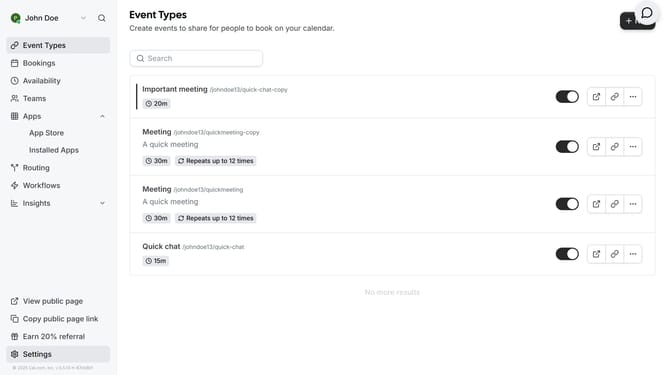
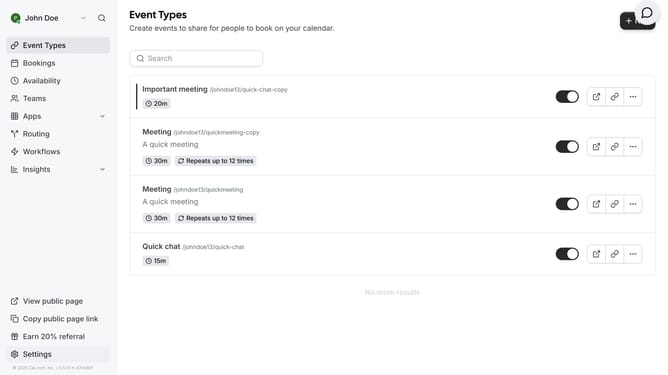
- First click on the "Apps" item in the sidebar menu
- Then click on "App Store" in the expanded Apps submenu
- Next click on the right arrow navigation button in the Featured Categories section
- Then click on the "Payment" category tile
- Next click on the "Details" button under the PayPal app card
- Finally click the "Install" button for Paypal app card to integrate it with Cal
Why should you connect Paypal in Cal.com
Cal.com is a dynamic scheduling platform designed to simplify appointment bookings with seamless integrations.
By connecting PayPal in Cal.com, you add a convenient payment option directly to your scheduling process, enhancing user experience and trust. This integration ensures payments are swift and secure, minimizing the hassle of separate transactions.
Using PayPal with Cal.com not only streamlines financial workflows but also provides clients with a familiar and trusted payment method, enhancing overall satisfaction and efficiency.
Last update