How to set availability for events in Cal.com
Here is how to set availability for events in cal.com
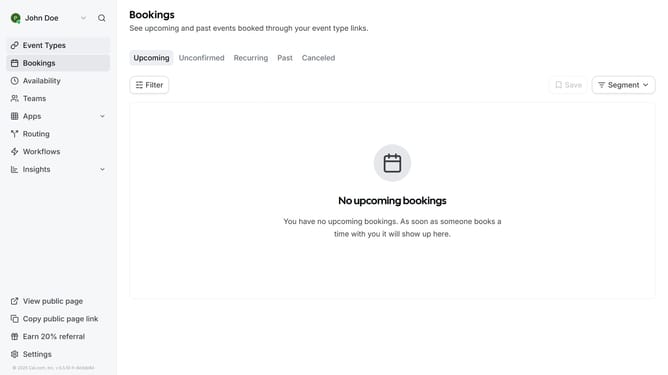
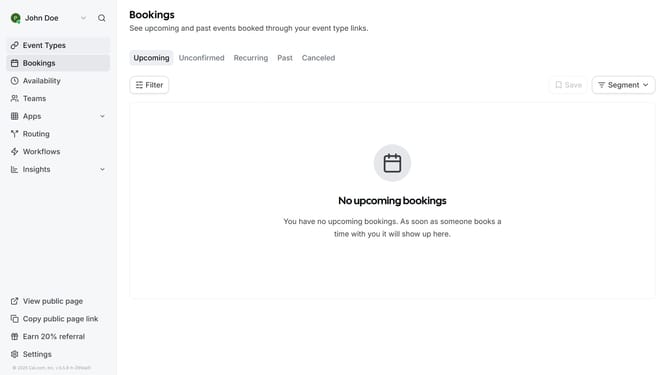
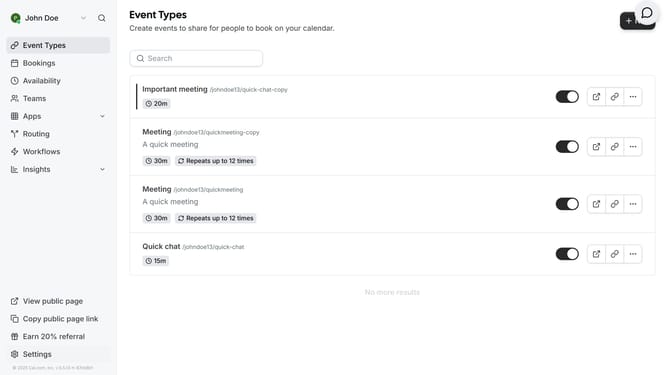
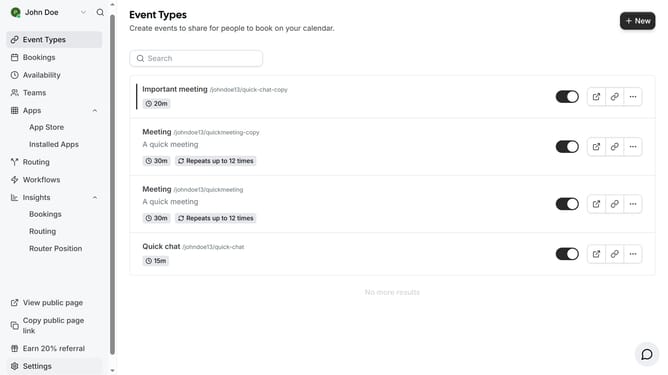
- First click on "Availability" in the left sidebar menu
- Then click on your schedule card in the main content area
- Click on the timezone dropdown menu
- Select your preferred from the timezone dropdown list
- Click on the time field showing the schedule
- Select your preferred time from the dropdown menu
- Click the toggle switch next to the days to enable or disable that day
- Finally click the "Save" button in the top right corner to apply the changes
Why should you set availability for events in Cal.com
Cal.com simplifies scheduling with a user-friendly platform designed for seamless event management.
Setting availability in Cal.com allows you to control when you're open for bookings, ensuring your calendar reflects your true availability. This means you can prevent overbooking and reduce scheduling conflicts.
Using this feature enables efficient time management, allowing you to focus on priorities while clients or colleagues book appointments at your convenience.
Ultimately, it saves time and enhances productivity by automating the scheduling process and keeping your agenda organized.
Last update