How to always require confirmation for booking in Cal.com
Here is how to always require confirmation for booking in cal.com
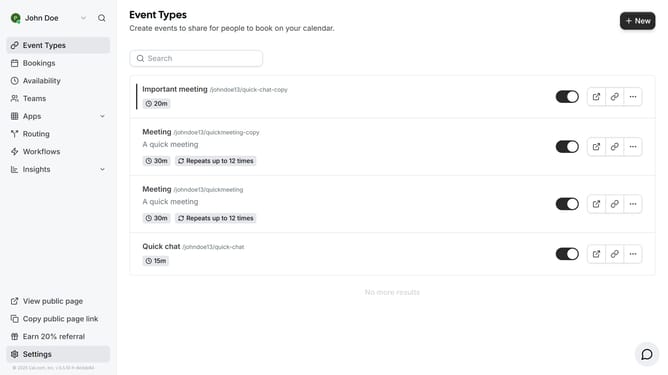
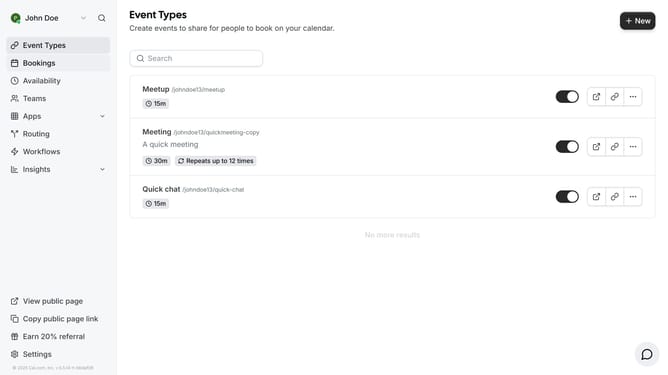
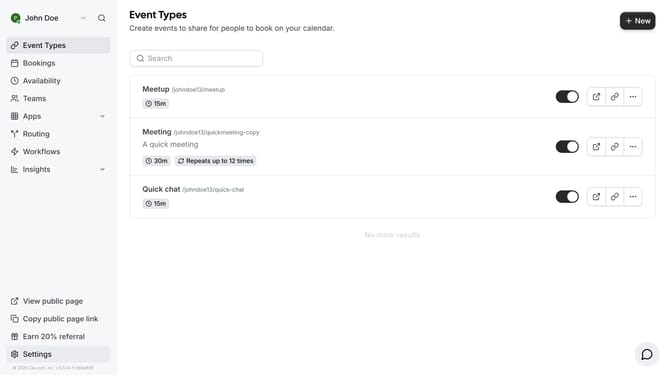
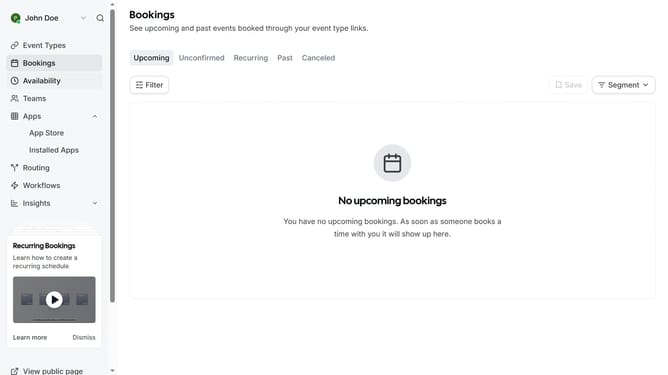
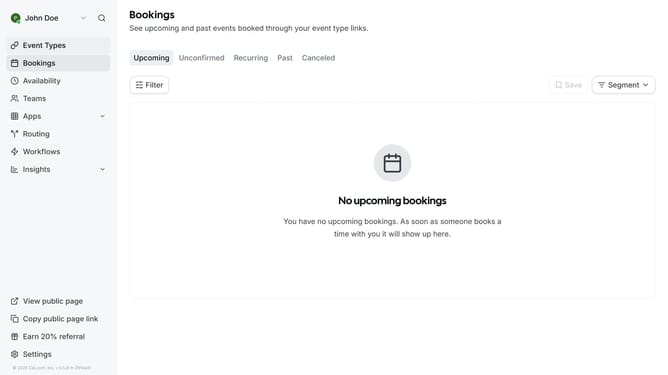
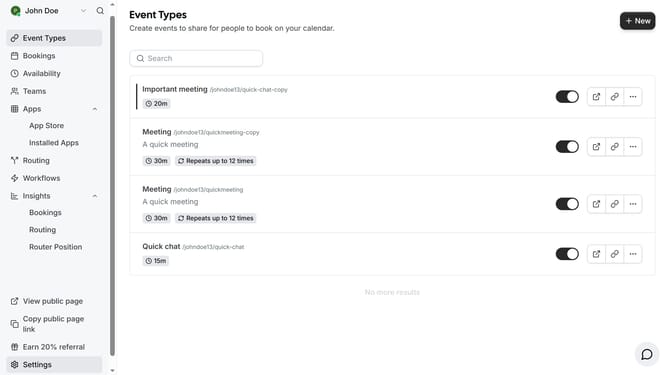
- First click on "Event Types" in the left sidebar menu
- Then click on an event from the event types list
- Next click on "Advanced" option in the settings menu
- Then scroll down in the advanced settings
- Next toggle the switch on button under the Requires confirmation setting
- Finally click on "Save" button again in the top-right corner to confirm all changes
Why should you always require confirmation for booking in Cal.com
Cal.com is a versatile scheduling platform designed to streamline online bookings.
One of its standout features is the ability to require confirmation for every booking. This means you get to review and approve each appointment, adding a layer of control to your schedule.
This feature is perfect for those who need to manage their time precisely, ensuring that each booking aligns with their priorities and availability.
By using this feature, users can avoid overbookings and ensure meaningful interactions with their clientele.
Last update