How to cancel all remaining recurring events in Cal.com
Here is how to cancel all remaining recurring events in cal.com
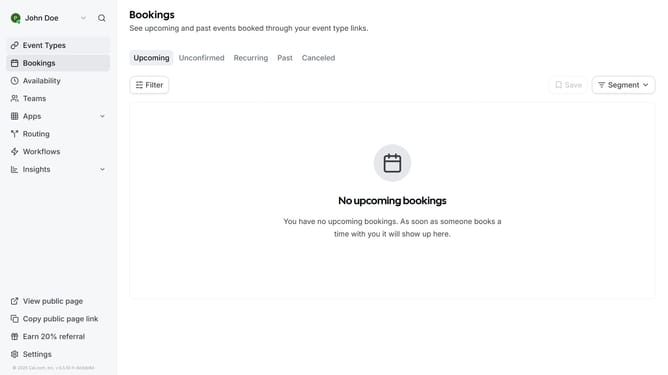
- First click on "Bookings" item in the sidebar menu
- Then click on "Recurring" tab in the bookings view
- Click on "Cancel all remaining" button for the recurring meeting
- Scroll down
- Then click the cancellation reason field and type in the reason for cancellation
- Finally click the "Cancel all remaining" button in the dialog to confirm the cancellation
Why should you cancel all remaining recurring events in Cal.com
Cal.com streamlines appointment scheduling for businesses and individuals with its intuitive and user-friendly interface.
One of its standout features is the ability to effortlessly cancel all remaining recurring events, saving time and reducing scheduling headaches.
Using this feature ensures your calendar remains up-to-date and free from unnecessary clutter, offering more control over your schedule.
It empowers users to manage their commitments efficiently, maximizing productivity and enhancing the overall scheduling experience.
Last update