Cal.com
Cal.com is an open-source scheduling platform that helps individuals, teams, and developers automate bookings with customizable workflows, integrations, and full control over data and branding.
Website
Industry
Leadgen
Share this article:

How to set availability for event types in Cal.com

Here is how to set availability for event types in cal.com

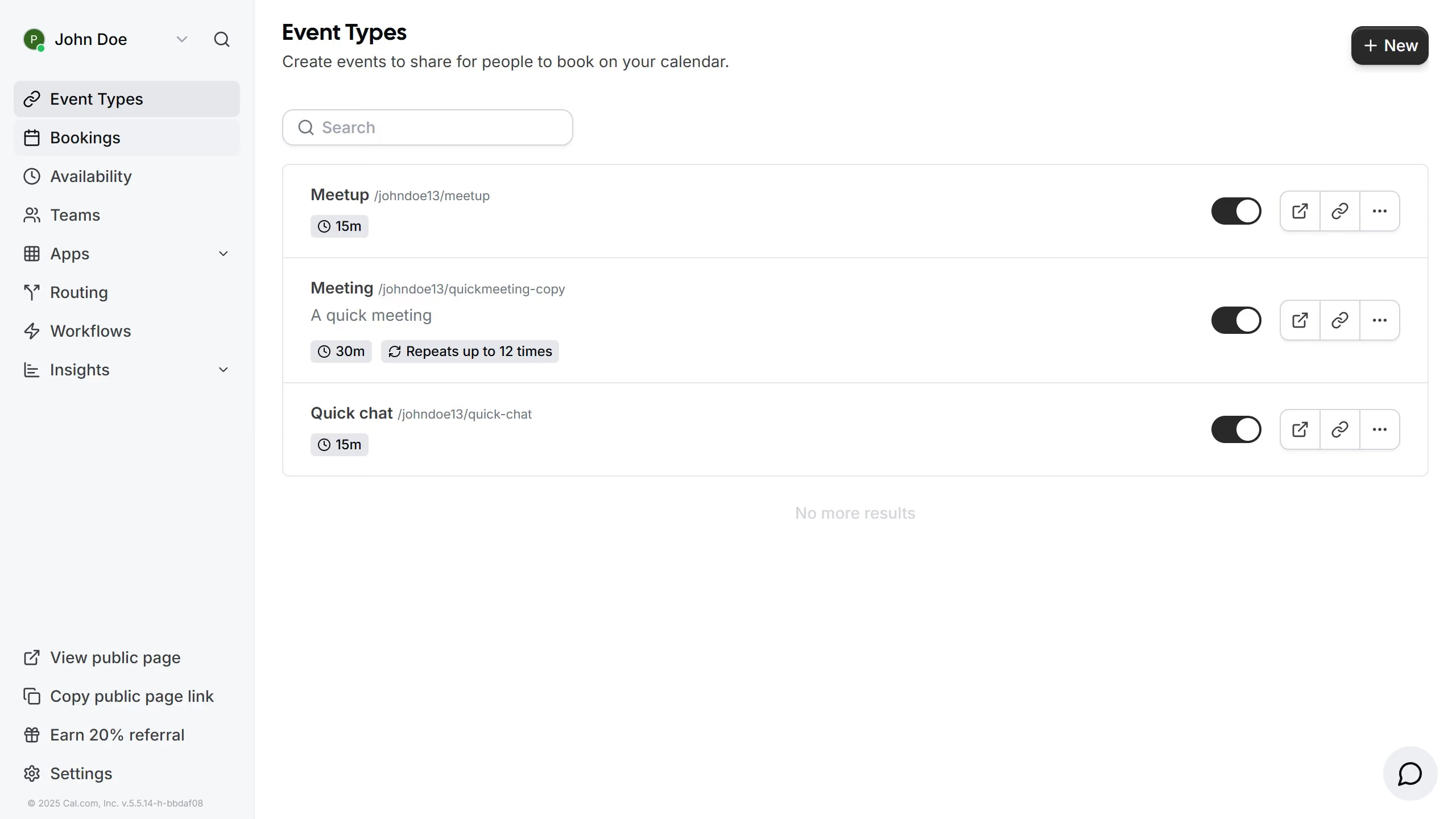
  1. First click on "Event Types" in the left sidebar menu
  2. Then click on an event in the main content area
  3. Next click on the "Availability" section in the event settings menu
  4. Then click on the availability dropdown menu
  5. Next select your desired schedule from the availability schedule options
  6. Finally click on "Save" button in the top right corner to apply the changes

Create your own interactive guide with Guideflow

Why should you set availability for event types in Cal.com

Cal.com is a powerful scheduling tool designed to streamline setting appointments effortlessly.

By setting availability for event types in Cal.com, users can manage their schedules efficiently and avoid double bookings or scheduling conflicts.

This feature allows individuals to define specific times for different event types, ensuring clear communication with clients or team members.

Ultimately, this boosts productivity and enhances the user experience by creating organized and predictable schedules.

Last update
February 3, 2026
Cursor MariaA cursor points to a button labeled "James."

Create your first demo in less than 30 seconds.