How to enable reschedule option for last booking in Cal.com
Here is how to enable reschedule option for last booking in cal.com
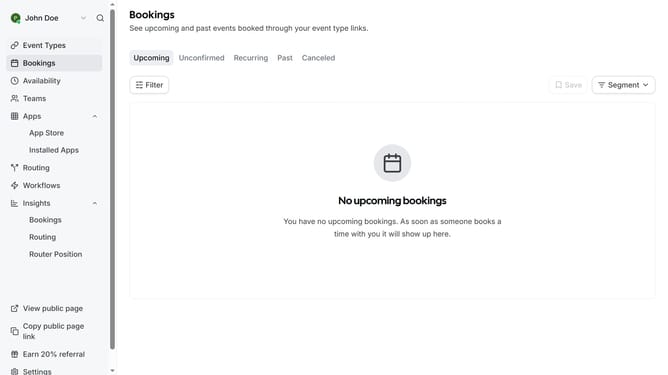
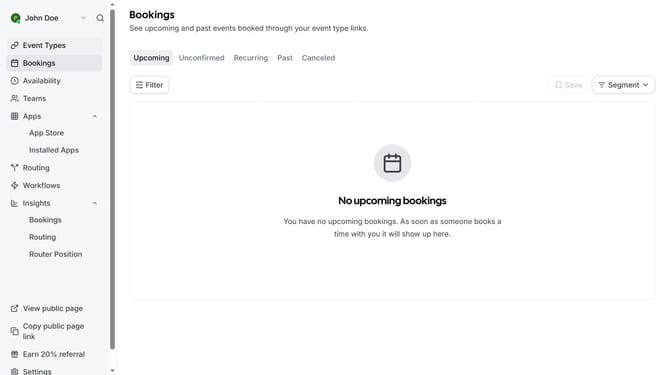
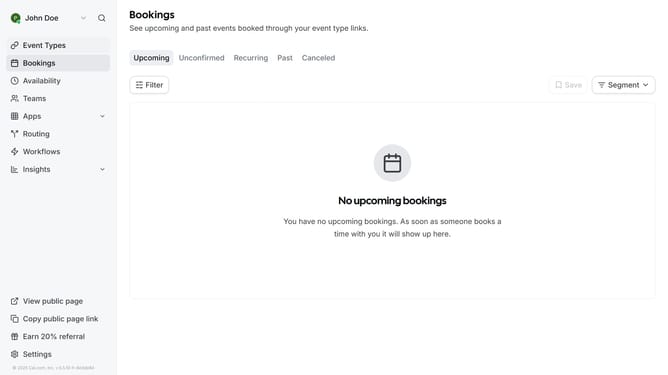
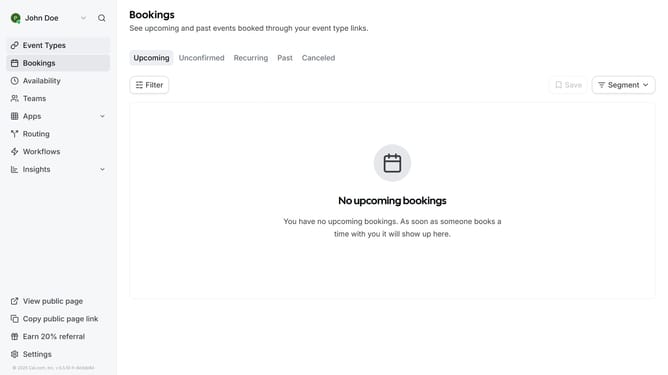
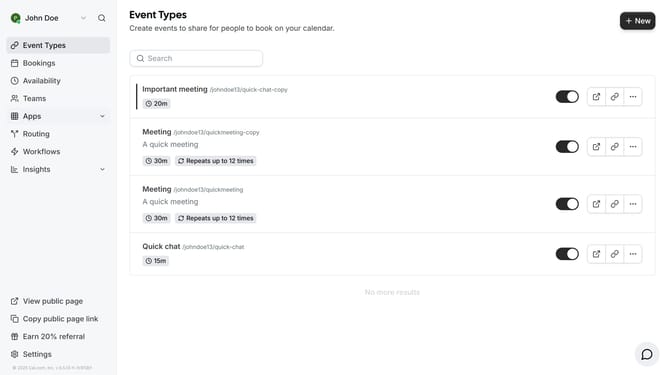
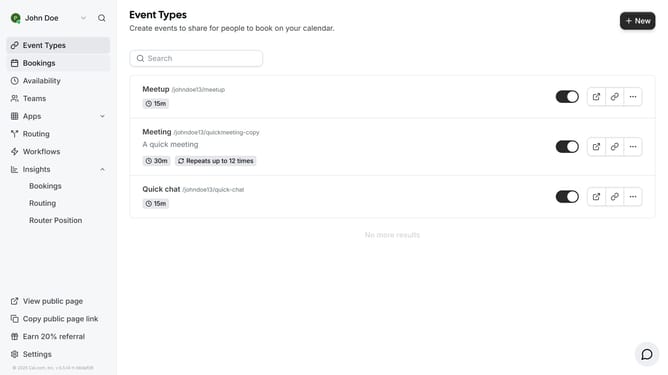
- First click on "Event Types" in the left sidebar menu
- Then click on an event in the main content area
- Next click on "Limits" option in the left settings panel
- In the limits section, scroll down
- Click on the checkbox "Offer to reschedule last active booking to chosen time slot"
- Finally click on "Save" button in the top right corner
Why should you enable reschedule option for last booking in Cal.com
Cal.com is a versatile scheduling tool designed to streamline and simplify appointment management.
Enabling the reschedule option for the last booking feature in Cal.com empowers users with flexibility and control over their schedules. This functionality is perfect for managing unexpected changes or conflicts, allowing users to easily accommodate both personal and professional commitments.
By swiftly adapting to scheduling needs, this feature enhances user convenience, ensuring that your calendar remains as dynamic and efficient as you are.
Last update